
One product photo
generates unlimited e-commerce assets
Product studio shots, AI models, mockups, ad posters and product page sets all keep one consistent brand style — no photo shoots, no designers, and no need to learn prompt writing.
Start creating free10 credits on sign-up · No credit card required
Phone snapshot → AI-made main image
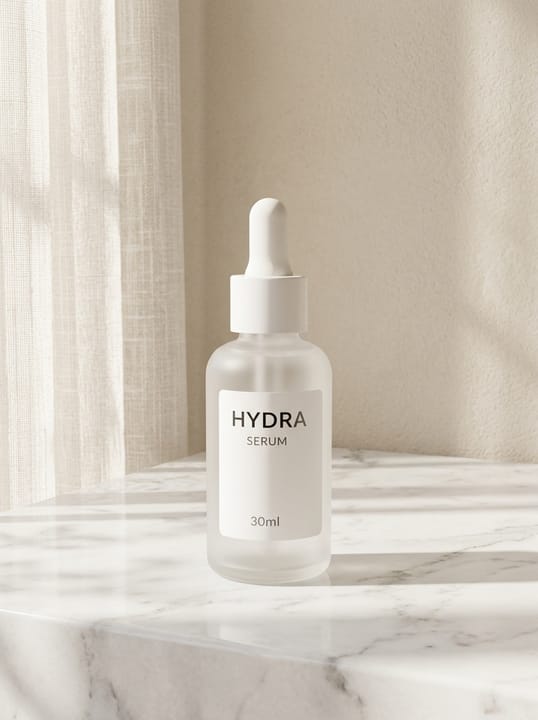 AI-made
 Original image
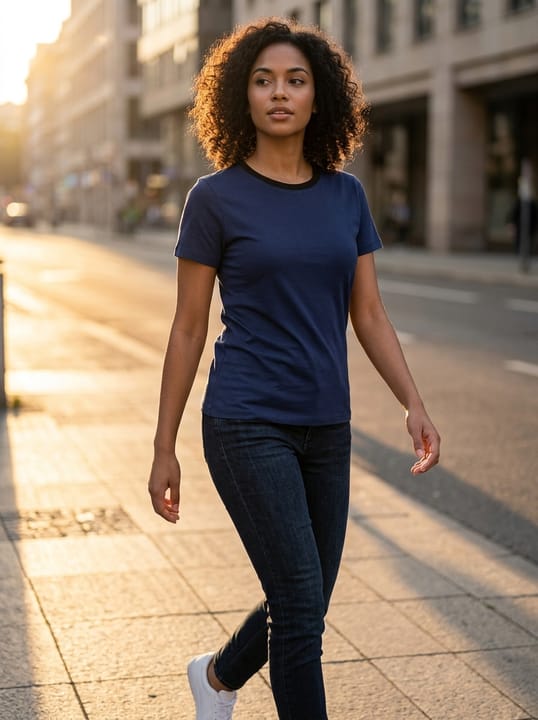 AI-made
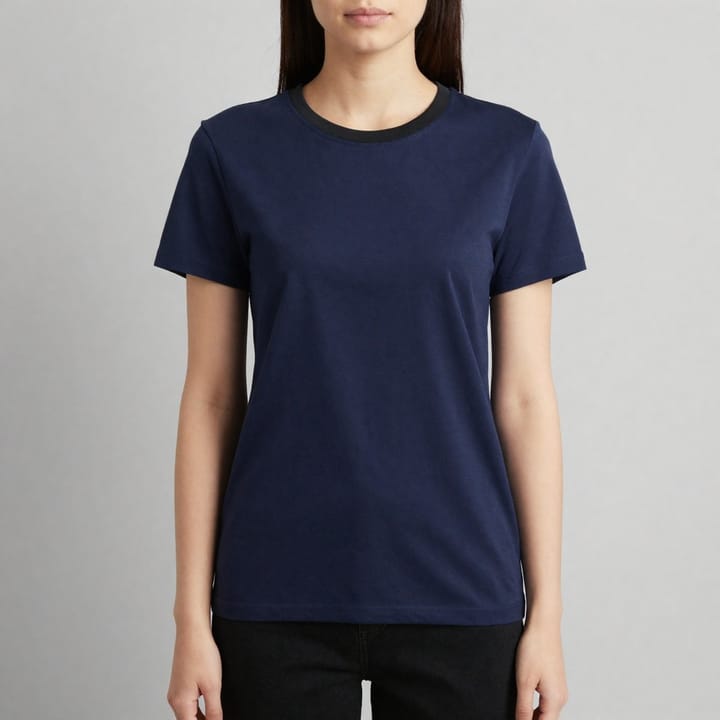 Original image
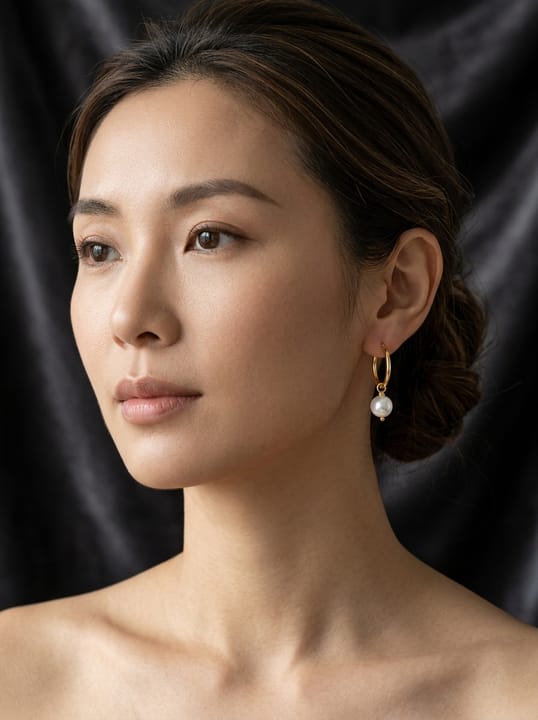 AI-made
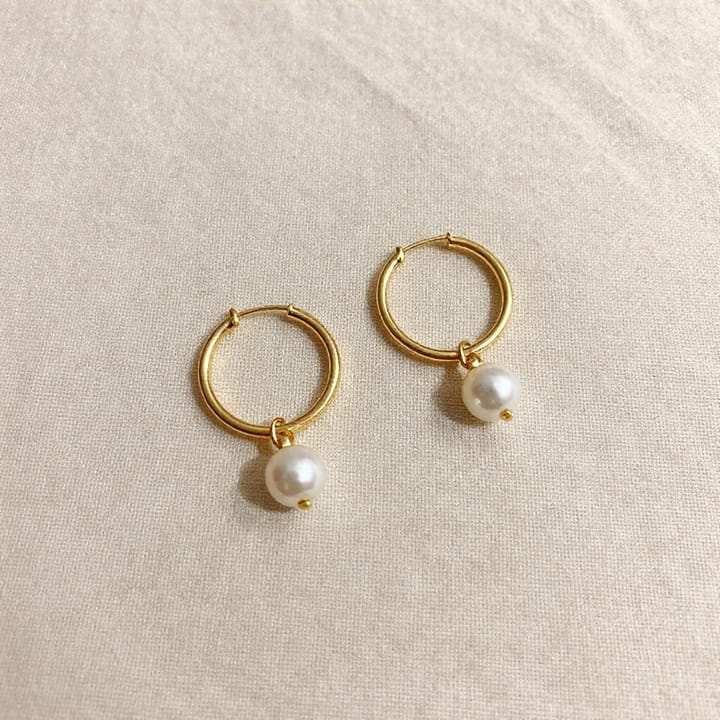 Original image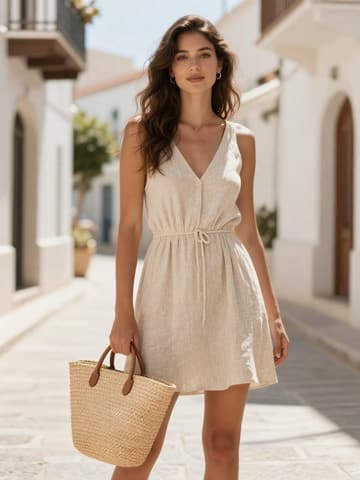
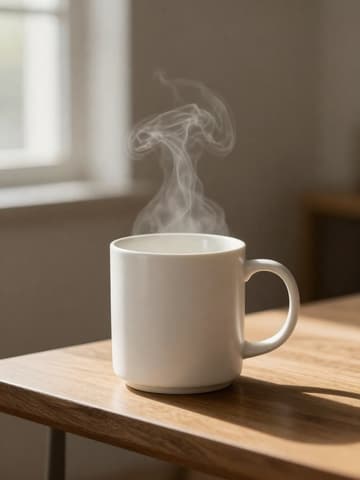

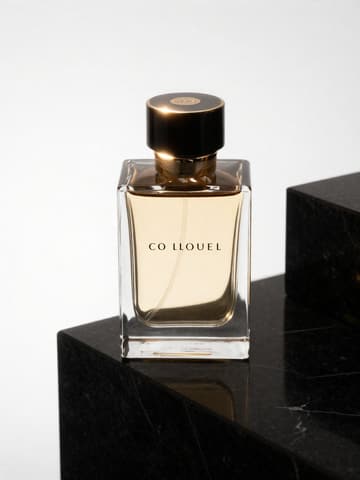
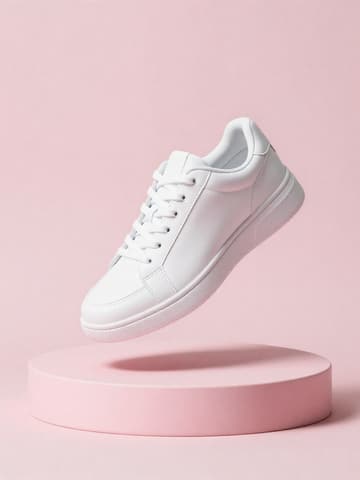
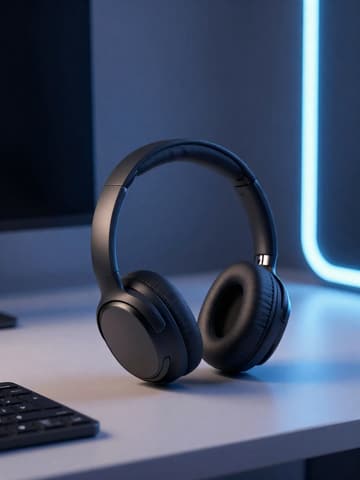
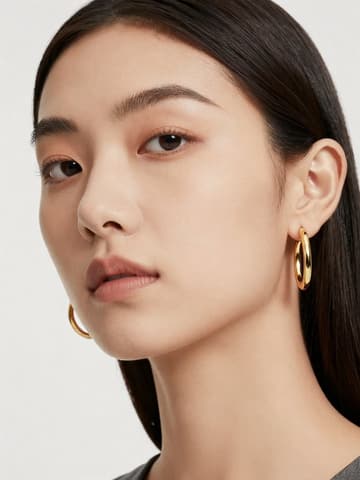
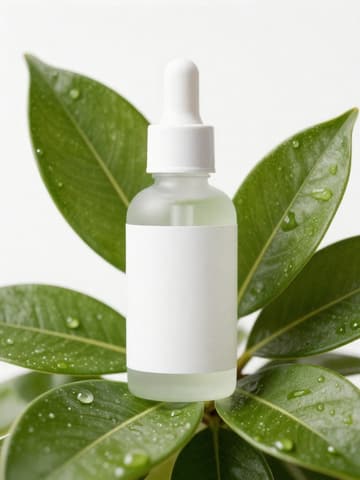
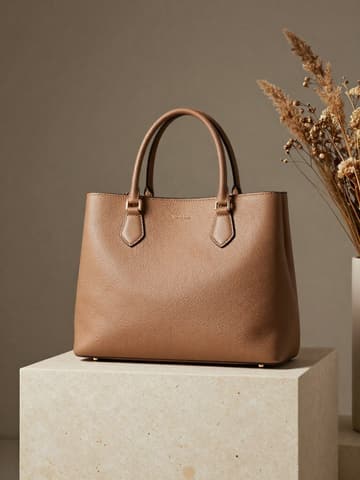
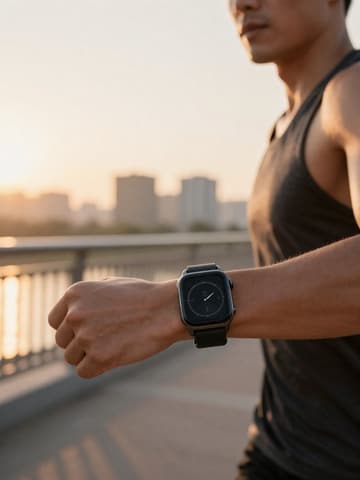
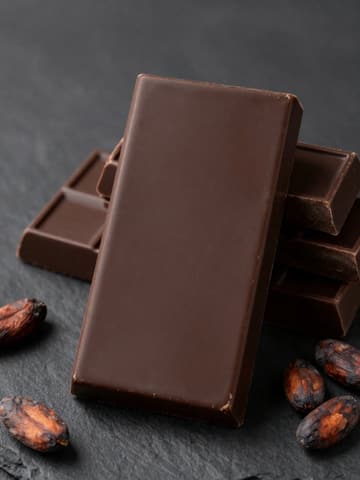

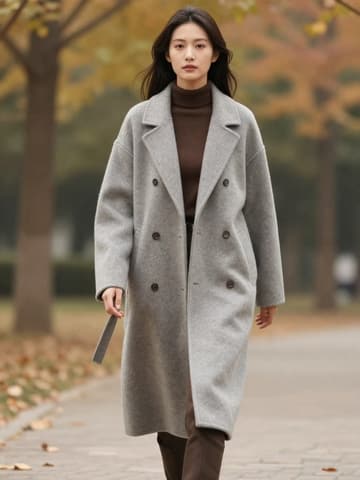
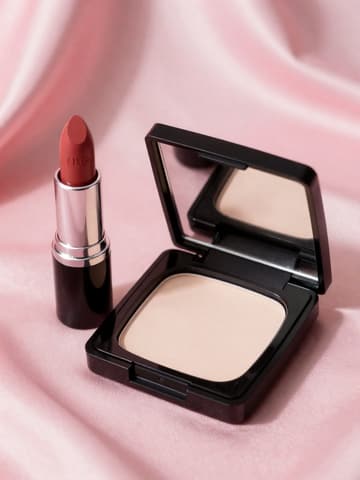
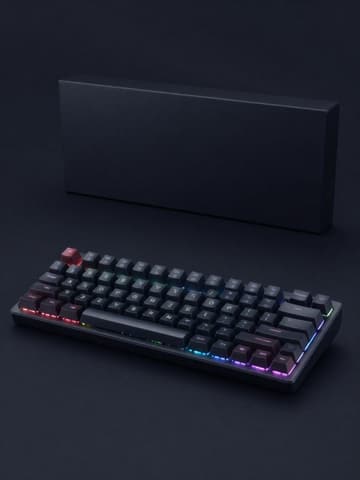

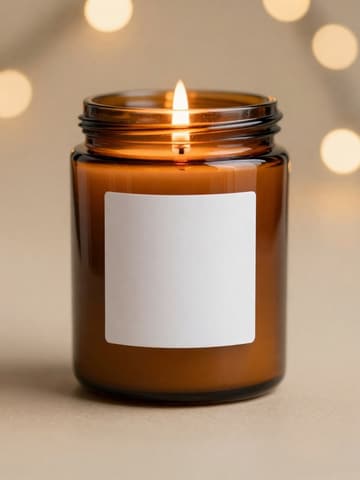
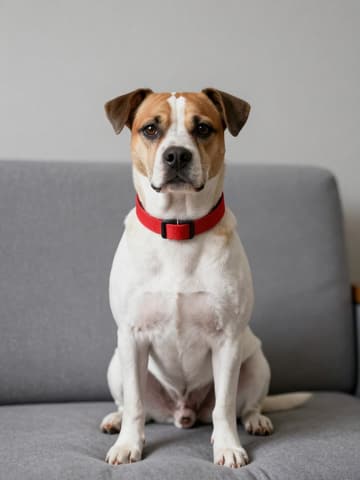
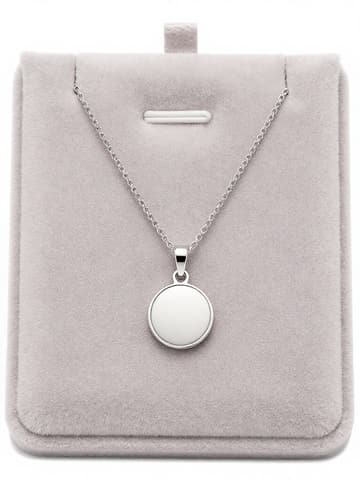
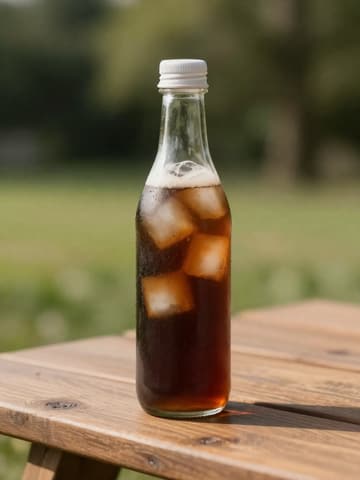
Every kind of product image gets its own workbench
From hero images to ads, from single products to sets — one studio covers every visual a store needs for new arrivals.

AI Photo Studio
Style, lighting, mood, background and camera angle are all selectable, turning a casual snapshot into a studio-grade hero image in seconds.
Vibe Match
Give it a reference image you like and your product is shot with the same lighting and composition.
AI Model Studio
The product is naturally worn, dressed or held by the model, with realistic shadows and proportions.
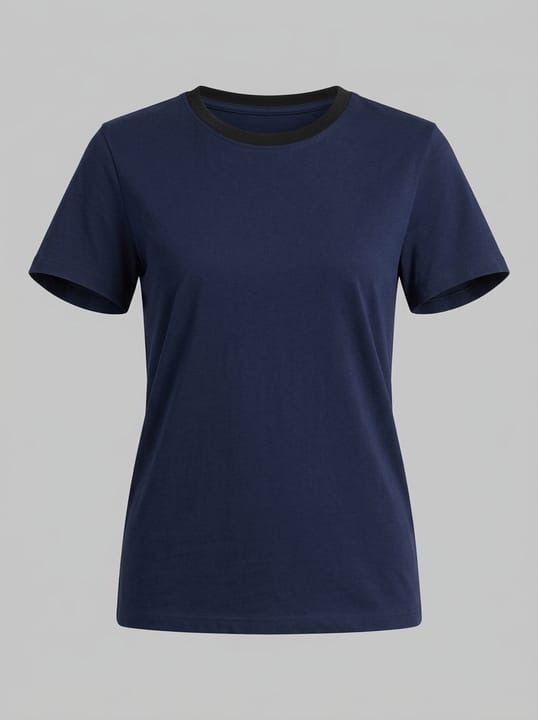
Ghost Mannequin
Remove the mannequin and model while keeping the garment's filled-out 3D shape and the inside of the collar.
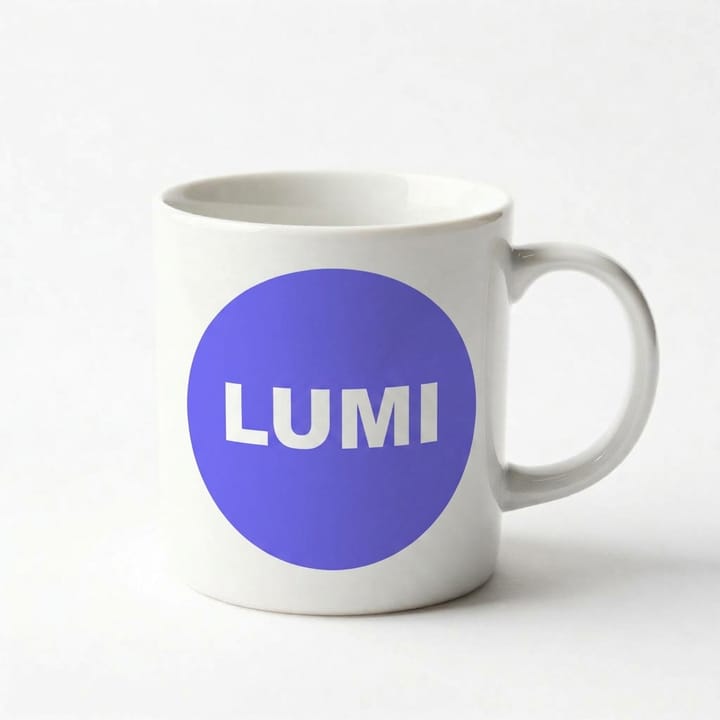
Mockup Generator
Logos and patterns conform to the real curves and folds of mugs, T-shirts and packaging.
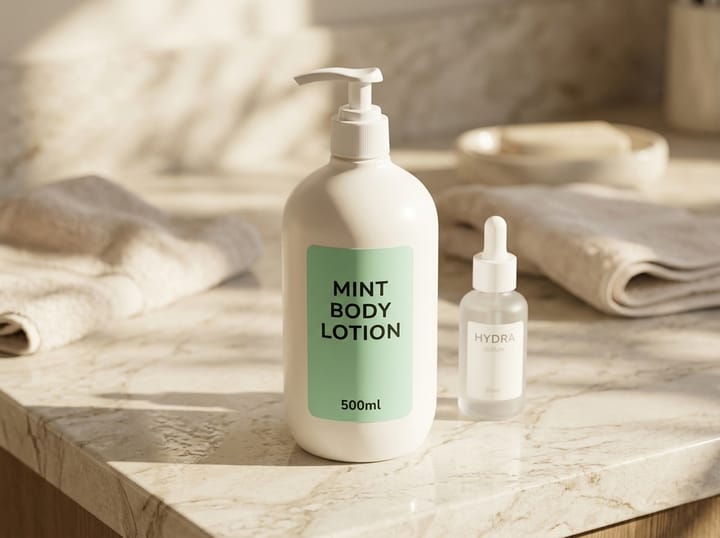
Group Shot
Merge several single-product images into one set image with unified lighting and correct proportions.

Product Page Set
Generate 8 conversion-focused product page images at once, with selling-point copy localized for the target market.
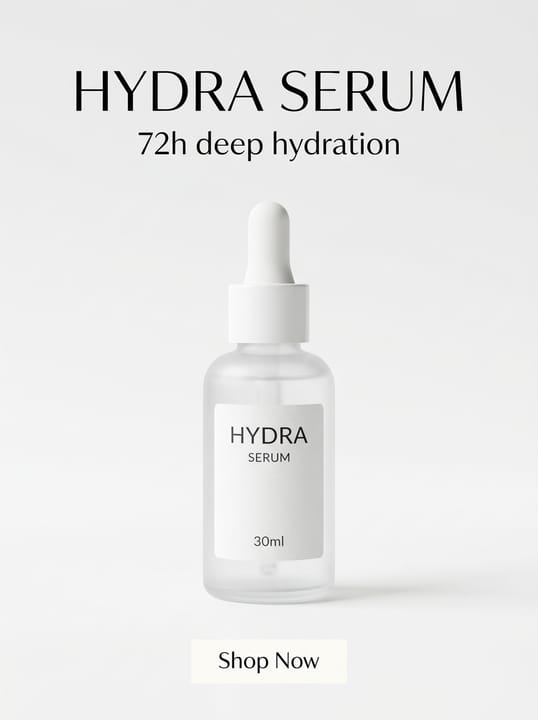
Commercial Ad
Product focus plus laid-out headlines and buttons, ready to run.
Three steps to your images — it really is that simple
Upload the original → AI identifies the product → pick a style and click Generate. Below is what actually happens in the workbench.
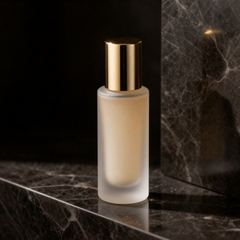
Drop product images here
Shoots too expensive, and too many images to retouch?
Hand the repetitive work of studio shoots, retouching, layout and video over to AI. Just upload your original, confirm one hero image you like, and the remaining channel versions are generated in one click.
↑ A 5-second product video generated from one AI hero image
No limits on creativity
A complete set of AI production tools covering every step from shooting and retouching to ad creatives.
Virtual photo studio
Light direction, depth of field and material texture are all precisely controllable, suited to demanding catalog images and platform hero images.
Reusable style templates
Save one result you like as a template, then drop future new products into the same scene for a consistent look across the whole store.
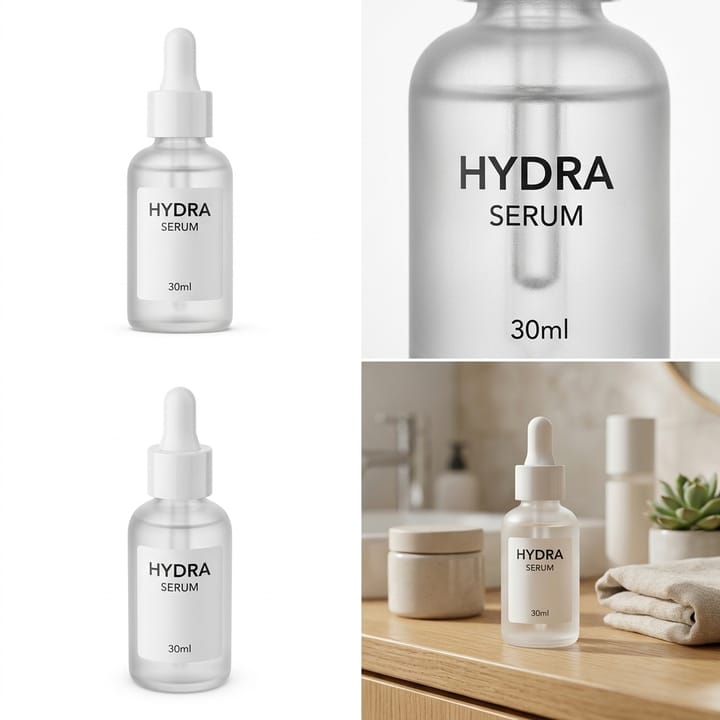
Batch-generate e-commerce image sets
Hero, detail, structure and scene images are generated in one go, and many SKUs can be done in a single batch.
Commercial Poster Studio
Product focus plus laid-out headlines and buttons, fitting feed ads, splash screens and store banners.
AI detail refinement
Point out what to change in one sentence and only that spot is touched; you can also upscale to 2K / 4K in one click.
Original ⇄ RefinedCinematic product videos
Turn a still product image into a 5- or 15-second video with camera motion, ready for product pages and short-video platforms. Available on paid plans.
Deeply tuned for your industry
Metal reflections, glass refraction, fabric texture, liquid translucency… the material and lighting rules of each category are built into the generation rules.
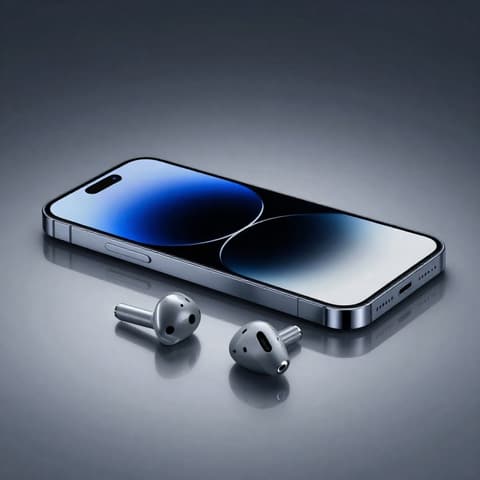
Consumer electronics
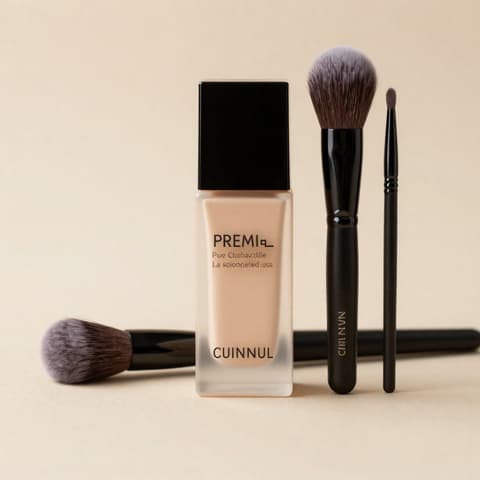
Cosmetics
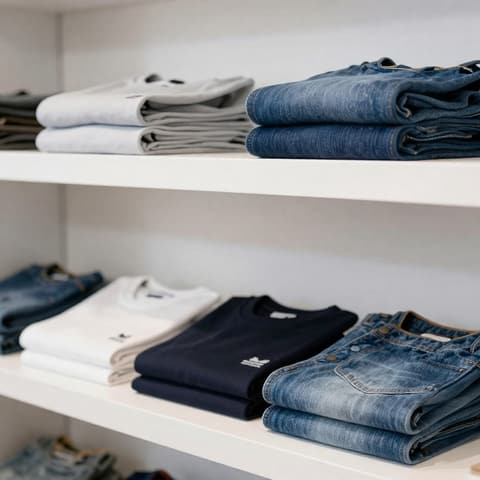
Apparel
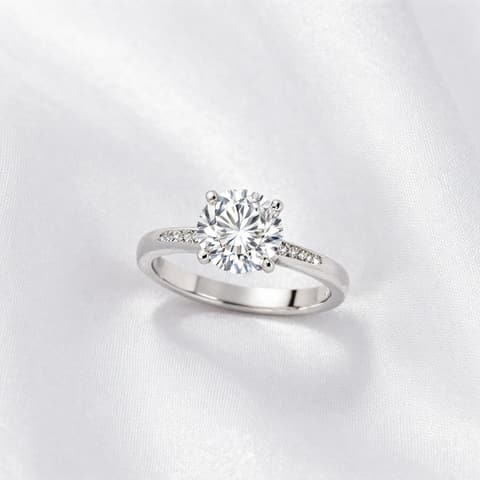
Jewelry
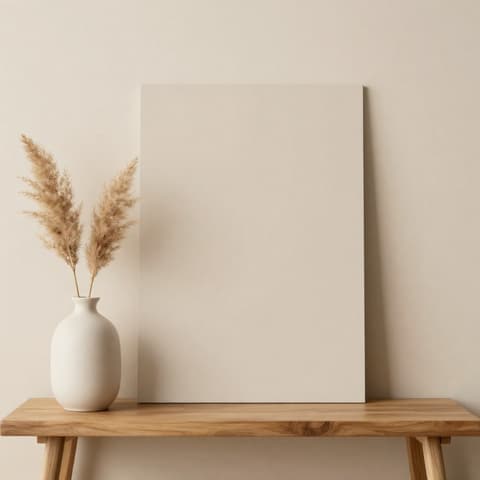
Home furnishings
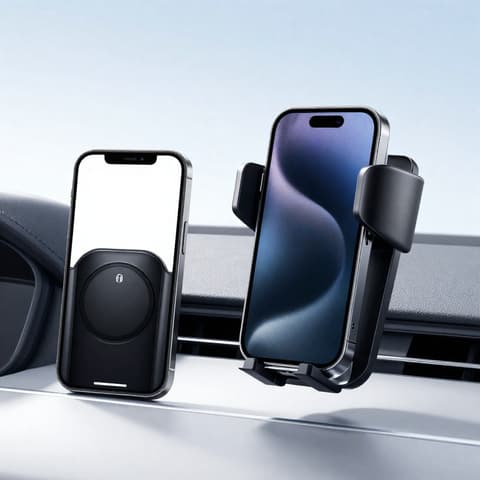
Auto accessories
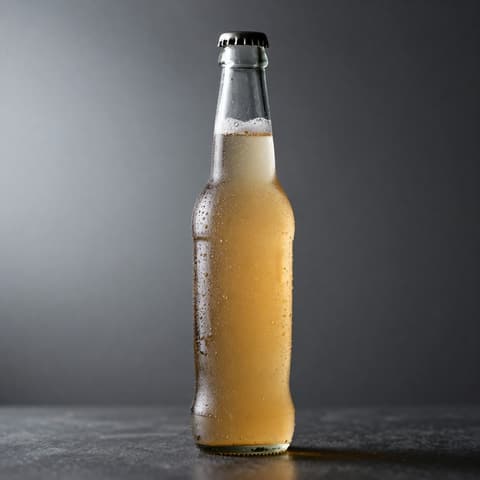
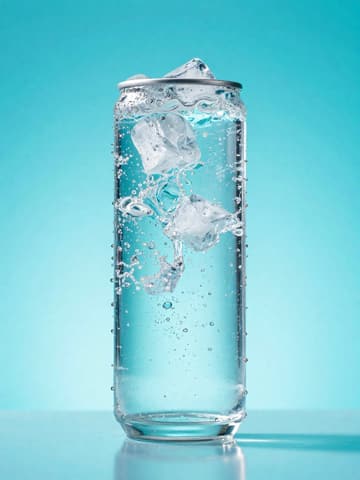
Beverages
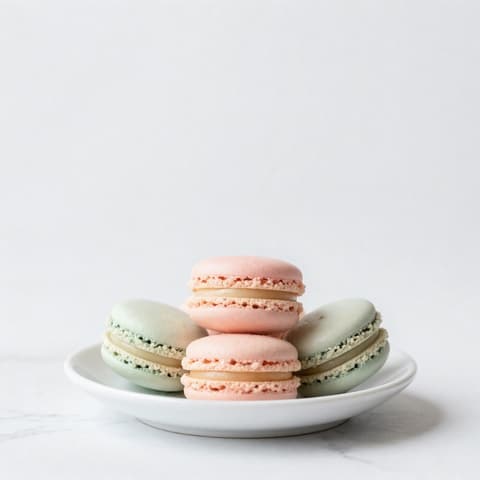
Food & baking

Toys

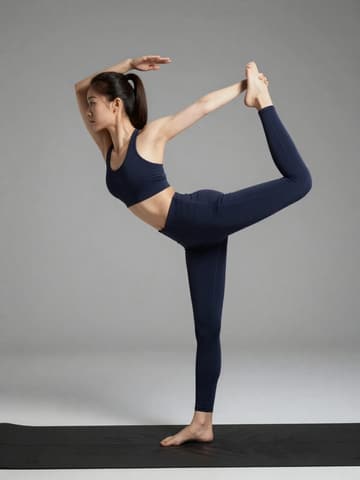
Sports gear
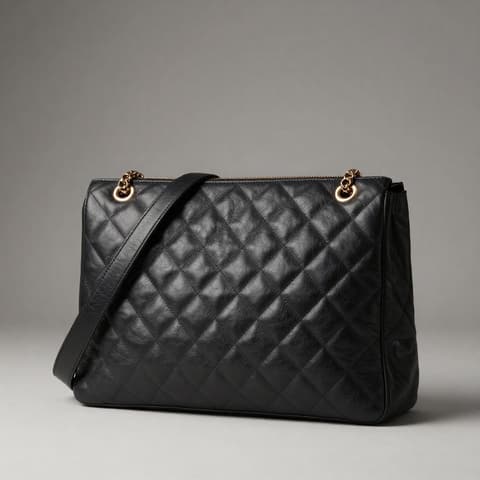
Luxury bags
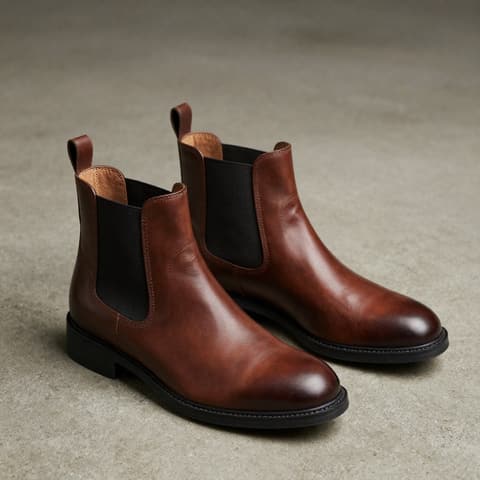
Footwear
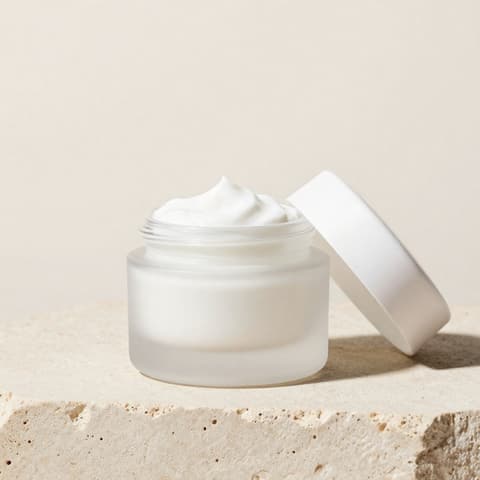
Skincare
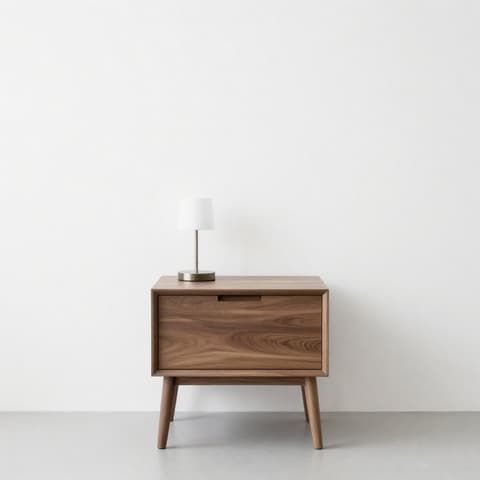
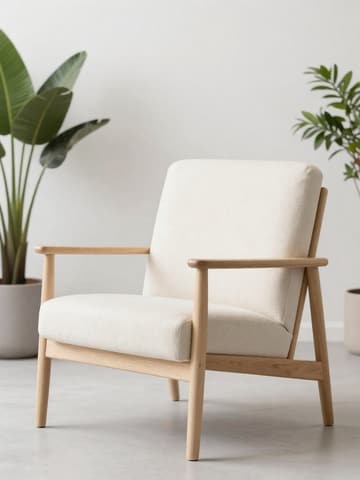
Furniture
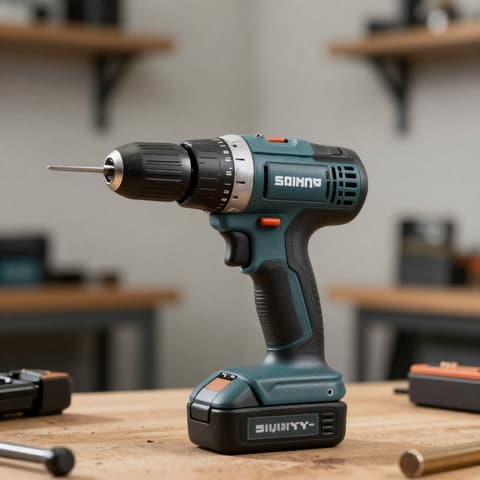
Hardware & tools
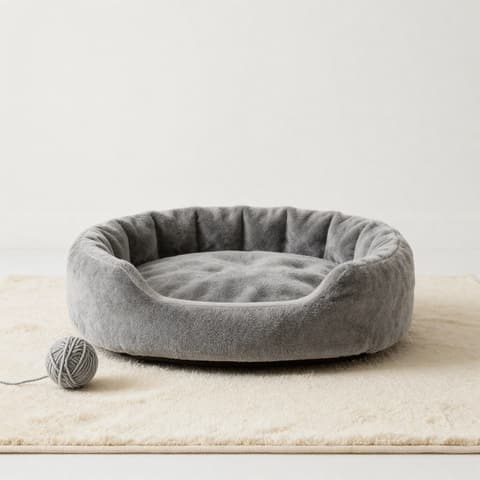
Pet supplies
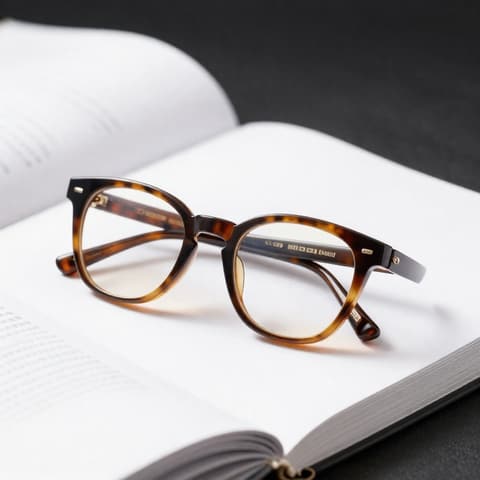
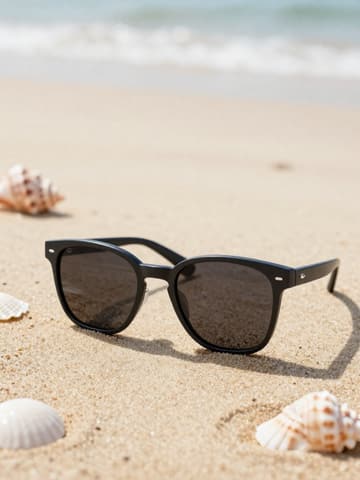
Eyewear
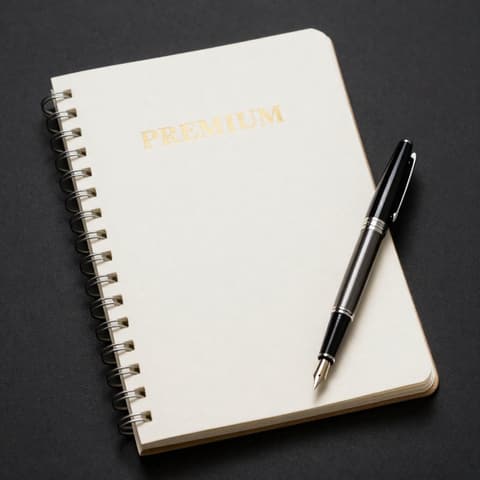
Stationery
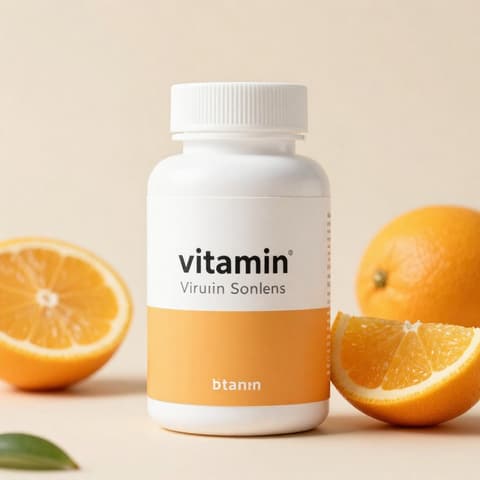
Health & wellness
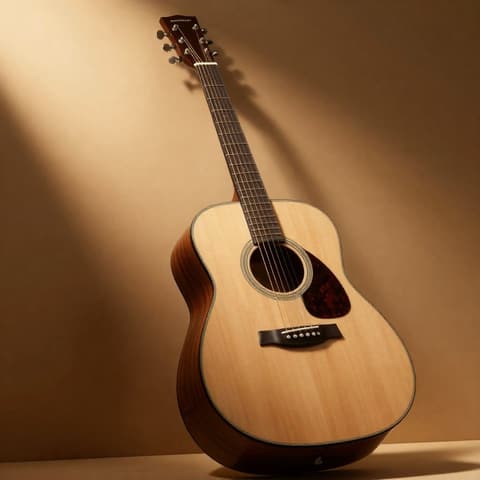
Musical instruments
Built for fast-moving teams
Settle one main image in the AI Photo Studio, then make the Amazon white-background, Shopify square and Instagram portrait versions in one click — launch assets ready the same day.
Shoot one set of white-background images, and let AI extend the rest — lifestyle scenes, holiday moods — so the same budget delivers more versions.
Drop mannequin photos into the Ghost Mannequin tool in bulk for a uniform pure-white background; enter the lining color to match the real item so no wrong colors get filled in.
The Commercial Ad tool offers 4 strategies at once; pick 2 and generate 3 images each to quickly test different selling points on the same product.
Product Page Sets switch language and selling-point phrasing by target market — 8 images per set, with English, German and Japanese versions generated separately.
Create a style profile and template library per brand; team members sign in with their own accounts, and assets and credits don't interfere with each other.
The full set of product images for your next batch of new products,
done today.
Start creating nowFAQ
What you may want to know about image quality, credits, workflow and data security.
Why choose MuseFrames
An AI product visual studio for e-commerce sellers. Upload one product photo to generate studio hero images, model shots, mockups, group shots, product page sets, ad posters and product videos.
No. Angle, lighting, mood and background are all visual options; for something more specific, describe it in one sentence in "Creative directive" — it takes the highest priority.
You get 10 credits when you sign up to try every tool except video, but images carry a watermark and are for personal evaluation only. Any paid plan or credit pack removes the watermark, unlocks product videos and includes a commercial license.
1K standard images cost 1 credit, 2K HD 2 credits, 4K Ultra HD 3 credits; Virtual Try-On, Commercial Ad and Group Shot cost 2×; video costs 15 credits for 5 sec and 45 credits for 15 sec. AI analysis steps use no credits and are counted per use (20 a day and 30 a month on the Free plan, 200 a day with a subscription or credit pack), and failed generations are refunded automatically.
Accounts, assets and works are stored on MuseFrames servers and in Cloudflare cloud storage, with HTTPS used for all transfers. Only when you start a generation are the required images sent to the generation model provider for processing, and they are never used for training. You can permanently delete them from your Library at any time.
Every tool has built-in "product consistency" rules: shape, proportions, color, logo and label text must match the original. If a detail is off, fix it in one sentence with "Refine parameters", or regenerate at a higher resolution.
AI has to fill in the inner collar that the original photo doesn't show. We added a "Lining color" field to the Ghost Mannequin tool; just enter the real color. You can also upload an extra photo of the garment's inside as a reference.
Copy in posters and product pages is typeset directly by the model. English is quite accurate, while Chinese occasionally has typos. When you need 100% accuracy, open "Add text layout" in the work preview, overlay the text locally, then export.
Yes — video generation is a paid-plan feature (not available on the Free plan). Switch the studio to Video mode, or click “Convert to video” on any image. 16:9 landscape and 9:16 portrait, 5 or 15 seconds.
20+ categories including jewelry, apparel, beauty & skincare, consumer electronics, home, food & beverage, shoes & bags and pets have targeted material and lighting rules.
First make one image you like and "Set as hero image", then use "Channel versions" to adapt it in one click to Taobao, JD, Amazon, Xiaohongshu, Douyin and other specs. Lock the hero image first, then roll out, for the least rework.
The Photo Studio accepts multiple product images at once and applies the same settings to all of them; on the Scale plan you can also save a result you like as a template and batch new products into the same scene.
Create a brand style profile in "AI Product Visual X" to lock in tone and rendering style; Group Shot can also reuse the background and lighting of an older image.
Each member just registers their own account, with assets, tasks and credits kept separate. For programmatic batch calls, you can use the open API included in the Agency plan.
The Agency plan includes a developer API: submit generation tasks with a Bearer Key and poll for results, ideal for integrating with ERP, store back-ends or automated workflows.