
How to make beauty and skincare product photos with AI
Last updated: 2026-10-11
Short answer
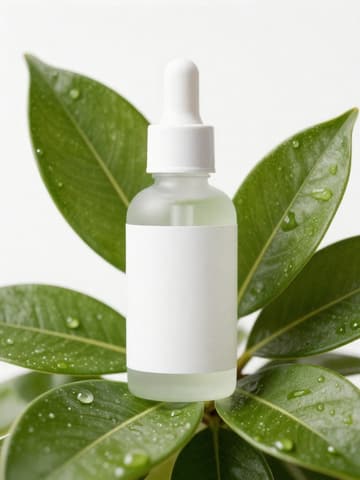
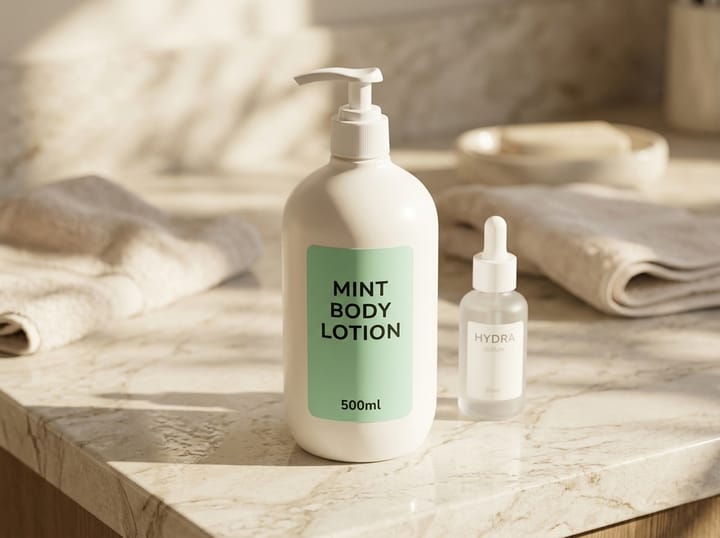
Beauty and skincare photos need to capture the clarity of glass and the texture of creams while keeping label text sharp and accurate. With MuseFrames, start by generating main images in “AI Photo Studio” (1–3 credits each); soft window light suits the feel of skincare and natural ingredients. For an ingredient-focused look, describe elements such as water droplets, green leaves or petals in the creative directive. When a platform requires a pure white background for the main image, use “Background Remover”.
For ad posters, use “Commercial Ad” (2–6 credits each, charged at 2×); for sets and gift boxes, use “Group Shot” to combine individual product shots into one consistently lit group shot (2–6 credits each). Amazon and TikTok Shop both require images to accurately represent the product, so check the bottle label, volume and color after generating.

Platform rules for beauty main images
| Item | Requirement |
|---|---|
| Amazon hero image | Pure white background (RGB 255,255,255), product fills 85% of the frame, no text, logos or watermarksSource 1 |
| Amazon packaging | No packaging in the main image unless the packaging is an important part of the productSource 1 |
| TikTok Shop main image | Pure white background, product shown from the front; no text or watermarks on any imageSource 2 |
| TikTok Shop AI editing | You can change the background and adjust the lighting, but you can't use AI to change product information such as color, material or quantitySource 3 |
Matching MuseFrames output specs
- Amazon hero image: 2000×2000, pure white background, product fills 85%
- Xiaohongshu post: 1242×1656 · 3:4 portrait
First make one image you like and set it as the hero image, then choose “Channel versions” on it: each version costs 1 credit and is output at the sizes above.
Which tools to use and how many credits they cost
AI Photo Studio
1–3 credits per image (1K–4K)Main and mood images: choose a style, lighting and background, or describe ingredient elements in the creative directive.
Open toolCommercial Ad
2–6 credits per image (1K–4K)The product in focus with a typeset headline, selling points and button, ready to run as an ad.
Open toolGroup Shot
2–6 credits per image (1K–4K)Combine individual shots of serums, creams, body lotions and more into one set image.
Open toolVibe Match
1–3 credits per image (1K–4K)Follow one reference image's lighting and composition to keep a whole collection in a unified style.
Open toolMuseFrames charges in credits: 1 for a 1K image, 2 for 2K and 3 for 4K, with Virtual Try-On, Group Shot, Commercial Ad at 2×; video costs 15 credits for 5 sec and 45 credits for 15 sec.
Steps
- Take a photo of the whole bottle with the label facing the camera.
- Generate the main image in “AI Photo Studio”; if needed, specify the ingredient elements you want in the creative directive.
- Make set images with “Group Shot” and ad posters with “Commercial Ad”.
- Zoom in to check label text, volume and ingredient information, and fix anything that doesn't match the real product with “Refine parameters”.
FAQ
Will small text on the bottle get changed?
The tool is instructed to keep label text identical to the original, but very small text can still come out wrong. We recommend generating at 2K or 4K and checking it word by word; where text accuracy is critical, you can use AI only for the background and lighting and keep the original label.
Can I generate images of a model using the product?
Yes. Use AI Model Studio and describe the action, for example “hand holding a cream jar, natural light”.
Why do ad posters cost more credits?
Commercial Ad, Group Shot and Virtual Try-On require more model processing, so each image costs 2× the credits.
Sources
All pages below were accessed on 2026-10-11; prices and features may change at any time, so check the official websites for the latest.
- Amazon Seller Central: Product image guidelines: https://sellercentral.amazon.com/help/hub/reference/external/G1881
- TikTok Shop US Seller University: Product listing policy: https://seller-us.tiktok.com/university/essay?knowledge_id=3196690250417921&lang=en
- TikTok Shop US Seller University: AI-generated content restrictions and requirements: https://seller-us.tiktok.com/university/essay?knowledge_id=491489038501663&lang=en
Try it with your own product photos
10 credits on sign-up · No credit card required
Start free