
E-commerce product photo guides
Last updated: 2026-10-11
Short answer
Each platform has different product image requirements: Amazon main images need a pure white background, and adult apparel main images need a human model; TikTok Shop main images are white square images, and short videos are vertical; social media favors vertical images; jewelry and cosmetics need their materials to come through. Each guide below lists the platform's official image specs (with sources), which MuseFrames tool to use, how many credits each image costs, and what to check before listing.
MuseFrames charges in credits: 1 for a 1K image, 2 for 2K and 3 for 4K, with Virtual Try-On, Group Shot, Commercial Ad at 2×; video costs 15 credits for 5 sec and 45 credits for 15 sec.

Pure white background, product filling 85% of the frame, no text or watermarks: make one compliant main image first, then the secondary and detail images.
Read guide
Consistent square image sizes and a store-wide consistent background and lighting, plus Product Page Set and ad images.
Read guide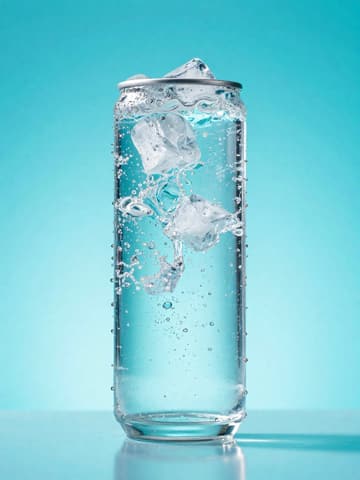
White square main image plus 9:16 vertical short video: generate a 5-second or 15-second product video from one main image.
Read guide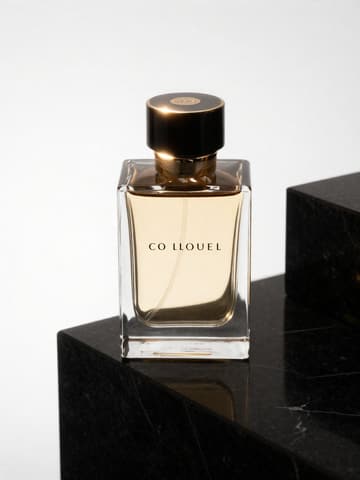
Turn one main image into 4:5, 2:3 and 3:4 vertical images, then add a native content feel with lifestyle scenes and Vibe Match.
Read guide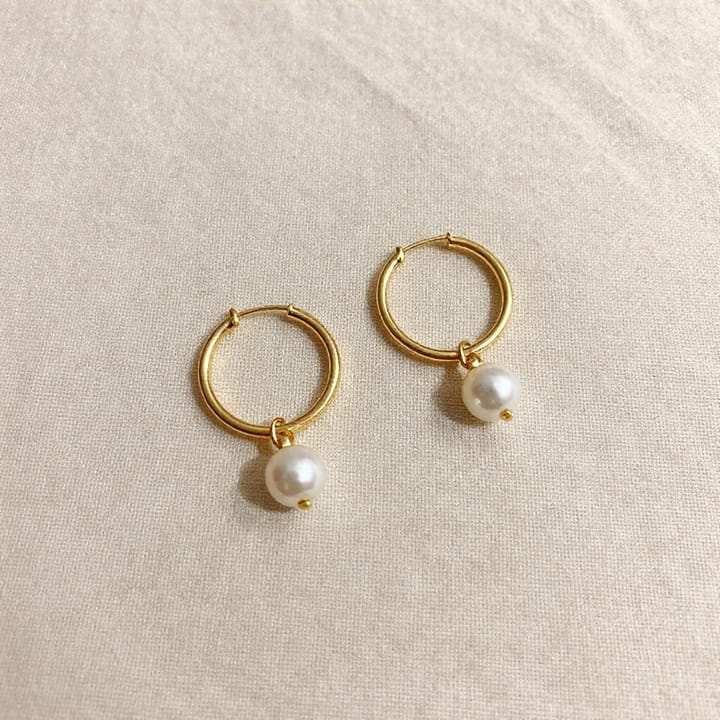
Lighting for metal reflections and gemstone sparkle, white-background main images, on-model wearing shots and Product Page Set images.
Read guideGlass bottle and cream textures, ingredient scenes, white-background main images, ad posters and set group shots.
Read guide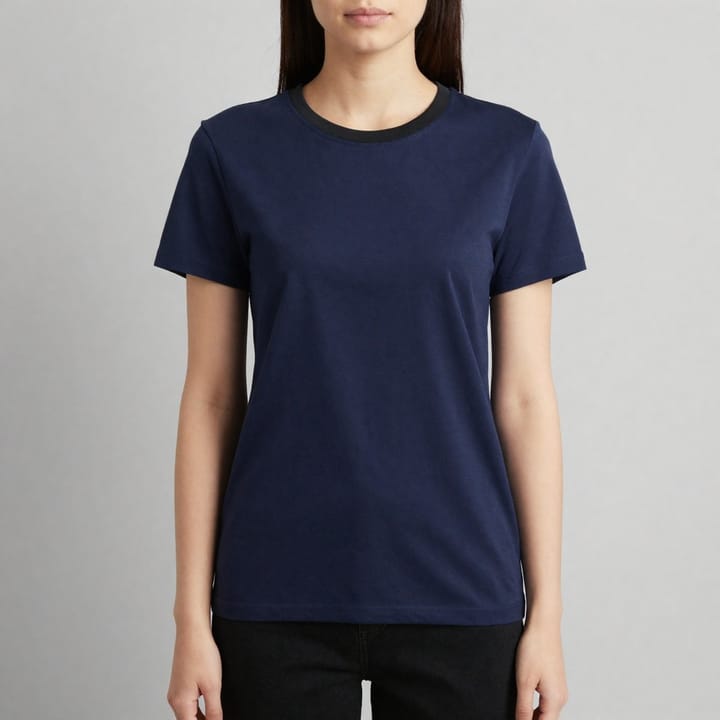
Remove the mannequin or model while keeping the garment's dimensional shape and inner collar; enter the lining color to match the real garment.
Read guide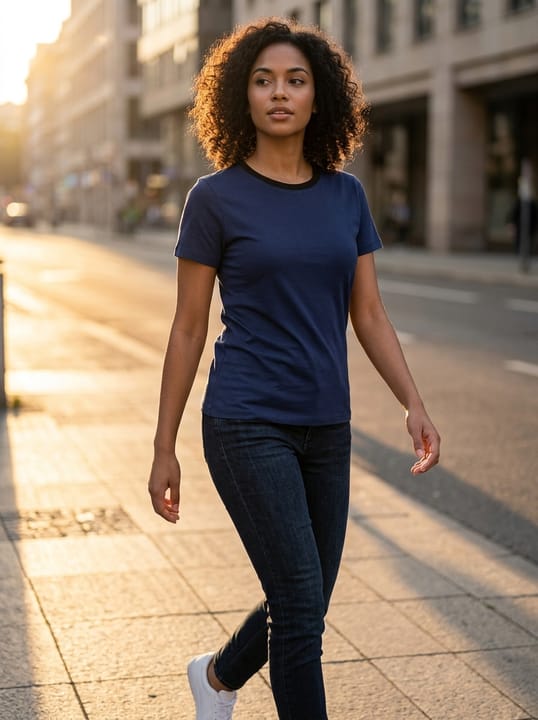
On-model shots without booking a model: choosing between AI Model Studio and Virtual Try-On, and how many credits each costs.
Read guideTry it with your own product photos
10 credits on sign-up · No credit card required
Start free