
Social media product photos: Instagram, Pinterest and Xiaohongshu (RED)
Last updated: 2026-10-11
Short answer
Social platforms favor vertical images: Instagram posts support aspect ratios from 1.91:1 to 3:4 and widths up to 1080 pixels, with 4:5 recommended for ads; Pinterest recommends 2:3 (1000×1500). With MuseFrames, you can turn one hero image you like into Instagram (4:5), Pinterest (2:3) and Xiaohongshu (3:4) channel versions in one click, at 1 credit per version, without reshooting or cropping by hand.
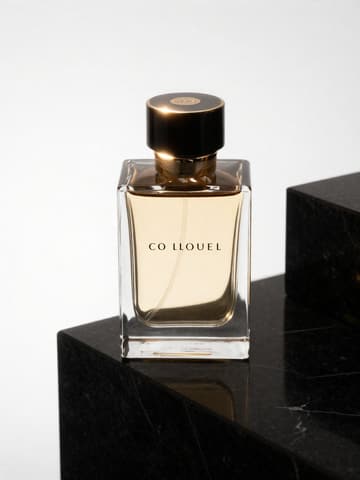
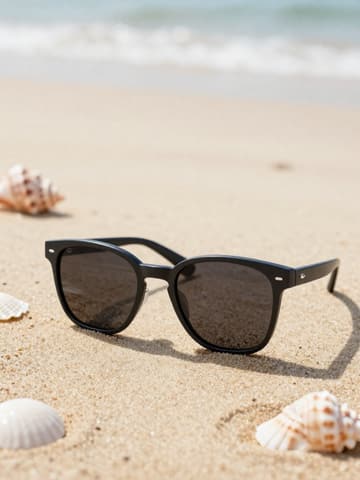
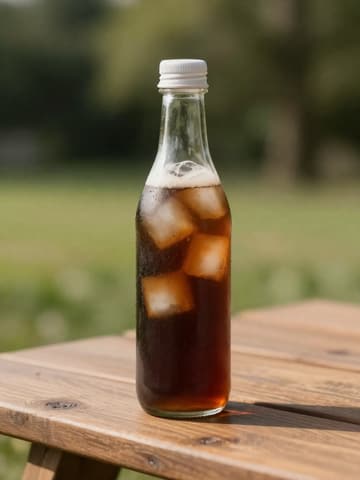
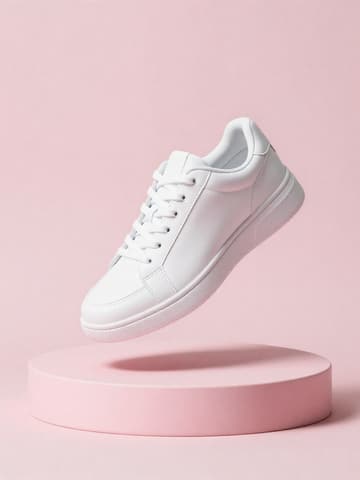
Social content is all about mood: use “AI Photo Studio” to choose a lifestyle style and lighting such as golden hour or soft window light (1–3 credits each), or use “Vibe Match” to recreate the feel of a reference image you like; when you need a person in the shot, use “AI Model Studio”.
Official platform specs
| Item | Requirement |
|---|---|
| Instagram post | Width up to 1080 pixels, aspect ratio between 1.91:1 and 3:4; anything outside that range is croppedSource 1 |
| Instagram ads | 4:5 recommended, 1440×1800 pixels, JPG or PNG, up to 30 MBSource 2 |
| Pinterest standard Pin | 2:3 recommended, i.e. 1000×1500 pixels; images taller than 2:3 may be cut off in the feedSource 3 |
| Pinterest files | PNG or JPEG, up to 20 MB on desktop and 32 MB in the appSource 3 |
Matching MuseFrames output specs
- Instagram post: 1080×1350 · 4:5 portrait
- Pinterest Pin: 1000×1500 · 2:3 portrait
- Xiaohongshu post: 1242×1656 · 3:4 portrait
First make one image you like and set it as the hero image, then choose “Channel versions” on it: each version costs 1 credit and is output at the sizes above.
Which tools to use and how many credits they cost
AI Photo Studio
1–3 credits per image (1K–4K)Choose a style, lighting, mood and background to place your product in a realistic lifestyle scene.
Open toolVibe Match
1–3 credits per image (1K–4K)Upload a reference image you like, and your product is blended into the same lighting, color tone and composition.
Open toolAI Model Studio
1–3 credits per image (1K–4K)Generates 4 model images per product: a close-up, a half-body shot and two lifestyle scenes.
Open toolGroup Shot
2–6 credits per image (1K–4K)Combine several products into one consistently lit styled shot, ideal for collection and gift box posts.
Open toolMuseFrames charges in credits: 1 for a 1K image, 2 for 2K and 3 for 4K, with Virtual Try-On, Group Shot, Commercial Ad at 2×; video costs 15 credits for 5 sec and 45 credits for 15 sec.
Steps
- Generate an image that fits your account's style in “AI Photo Studio” or “Vibe Match” and set it as the hero image.
- On the hero image, choose “Channel versions” and check Instagram, Pinterest or Xiaohongshu.
- For content that needs a model in the shot, use “AI Model Studio” to generate on-model or hand-held shots.
- Publish the same set of images in each platform's size and keep your account's visual style consistent.
FAQ
Can one image be generated in sizes for several platforms at once?
Yes. On the image set as the hero image, choose “Channel versions” and check several platforms at once; each version costs 1 credit.
Should Instagram posts be 4:5 or 3:4?
Instagram posts support aspect ratios between 1.91:1 and 3:4, so neither 4:5 nor 3:4 gets cropped; Meta's recommended ratio for ads is 4:5. MuseFrames' Instagram channel version outputs at 4:5 (1080×1350).
Can I generate social media posters with text?
Yes. Use the Photo Studio's “Poster” mode or the Commercial Ad tool. English text is quite accurate, while Chinese text occasionally has typos; when you need 100% accuracy, we recommend overlaying the text locally with “Add text layout” in the image preview.
Sources
All pages below were accessed on 2026-10-11; prices and features may change at any time, so check the official websites for the latest.
Try it with your own product photos
10 credits on sign-up · No credit card required
Start free