
Automotive product photos with AI
最終更新:2026-10-11
簡単な回答
Automotive shoppers need SKU-true metal, plastic and packaging detail. MuseFrames builds white-BG packshots and close-up frames from one product photo — always QA part numbers, logos and scale; do not invent fitment or safety claims in your listings.
Soft CTA: /auth?mode=signup. Billing and credits: see /en/pricing.
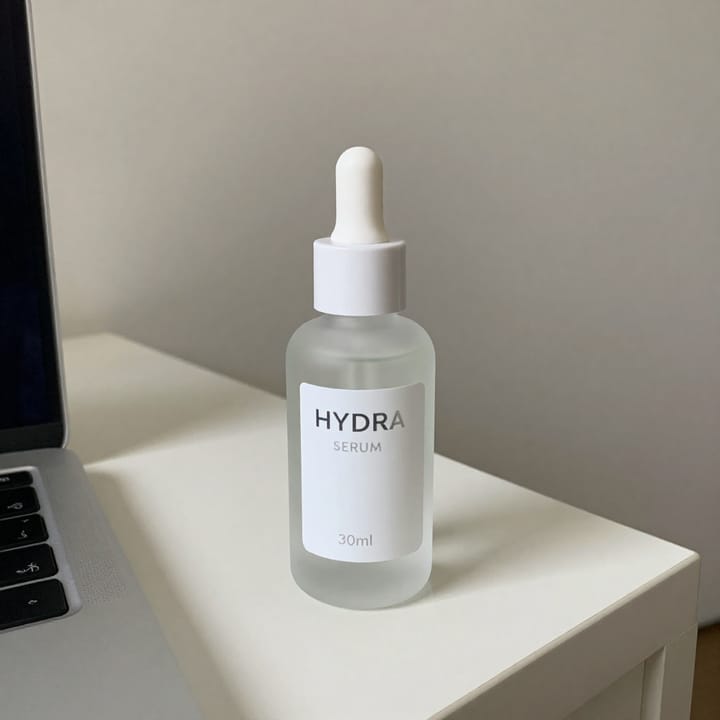
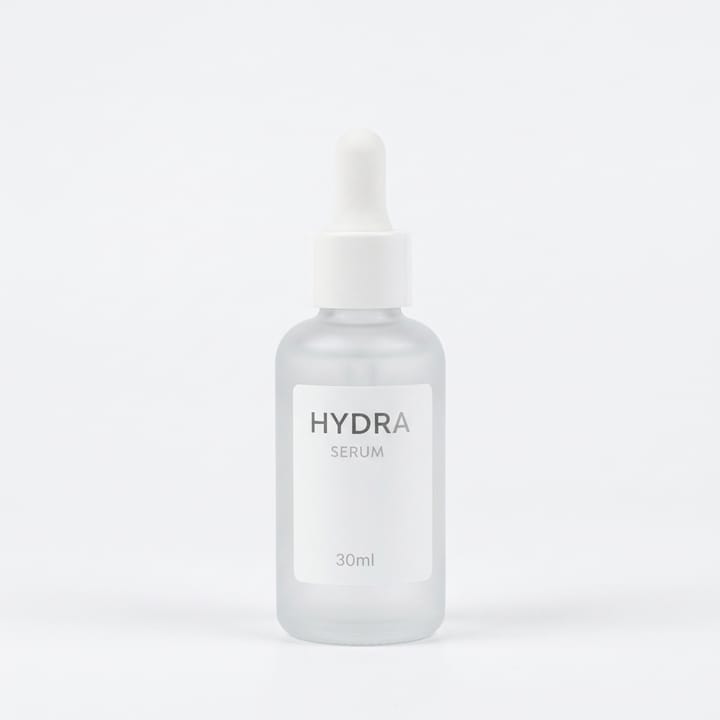

Automotive parts / accessories photo expectations
| 項目 | 要件 |
|---|---|
| Hero | Packshot on white / light-neutral出典 1 |
| Detail | Threads, connectors, labels readable出典 2 |
| Packaging | Keep front-of-pack / barcode areas honest出典 2 |
| Fitment | Do not invent year/make/model fitment claims in your listings出典 2 |
| Cluster | electronics · bag · watch hard-goods siblings + Spyne compare出典 2 |
MuseFrames の対応出力仕様
- Amazon メイン画像:2000×2000、純白背景、商品が 85% を占める
- Shopify 商品画像:2048×2048 正方形
まず満足のいく画像を一枚作ってメイン画像に設定し、その作品で「チャネル別バージョン」を選びます。各バージョン 1 クレジットで、上記のサイズで出力されます。
使うツールと必要なクレジット
MuseFrames はクレジット制です:1K 画像 1 クレジット、2K 画像 2 クレジット、4K 画像 3 クレジット。バーチャル試着、グループショット、商業広告は 2 倍で計算されます。動画は 5 秒 15 クレジット、15 秒 45 クレジットです。
手順
- Upload a sharp parts or accessories photo.
- Isolate and place on white / light-neutral.
- Add connector / label / packaging detail frames.
- Optional lifestyle / install-context for brand pages only.
- QA logos, part markings and proportions; export sizes.
よくある質問
Will AI rewrite part numbers or labels?
You must QA every marking and logo. If text drifts, re-generate or retouch before listing.
Same workflow as electronics product photos?
Similar hard-goods packshot workflow; automotive SKUs often need tighter connector/label detail. See /en/solutions/electronics-product-photos.
How does this relate to Spyne?
Spyne is a competitor in auto / hard-goods catalog AI. See /en/compare/spyne for a comparison; this page is the MuseFrames how-to for automotive SKUs.
White background for marketplaces?
Many MAIN-style grids prefer clean white / light-neutral. See /en/solutions/white-background-product-photos and /en/solutions/amazon-main-image.
Pricing?
/en/pricing only. Soft CTA: /auth?mode=signup.
Related comparisons
Automotive packshots sit next to electronics, bag, watch, white-background heroes, bulk catalogs, Amazon MAIN, and the Spyne comparison.
出典
以下のページはすべて 2026-10-11 に参照したものです。価格や機能は随時変更される可能性があるため、最新情報は公式サイトでご確認ください。
- Amazon Seller Central:商品画像ガイドライン:https://sellercentral.amazon.com/help/hub/reference/external/G1881
- MuseFrames Pricing:https://museframes.com/en/pricing
- MuseFrames Tools:https://museframes.com/en#tools
ご自身の商品写真で試してみましょう
生成を押したときにアカウントを作成 — Google またはメール。
最初のカタログ画像を無料で生成