
抠图并做出可上架商品图
Last updated: 2026-10-26
Short answer
只抠图往往不够上架:Amazon 主图还要纯白底、商品约占 85%、无文字水印。MuseFrames「背景移除」可批量抠图并选平台预设(如 Amazon 白底 1:1),每张 1–3 点;需要更好光线时先用「AI 摄影棚」再设为主图,渠道版本每个 1 点。
若你只需要透明 PNG,抠图工具就够;若还要棚拍、模特、详情页或短视频,把背景移除当作工作室流程的第一步更省事。定价与点数以 /en/pricing 为准。


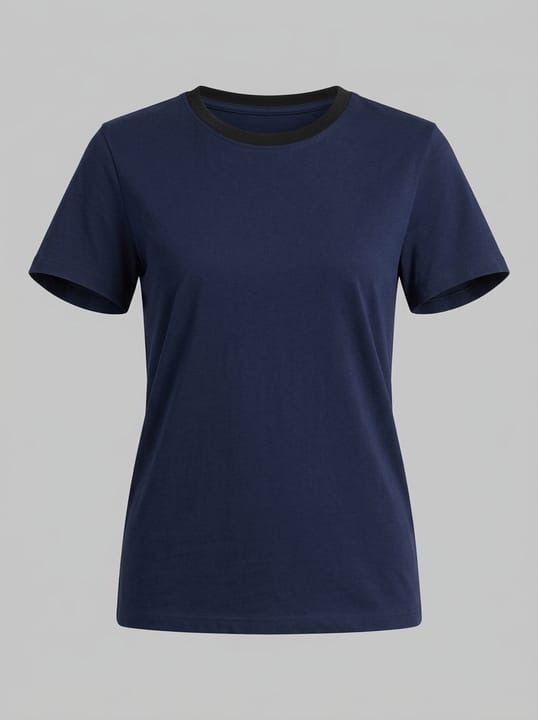

抠图后上架仍要核对的规格
| Item | Requirement |
|---|---|
| Amazon main image background | 纯白背景 RGB 255,255,255;商品约占画面 85%;无文字/Logo/水印Source 1 |
| Amazon zoom | 最长边 1000 像素以上才能开启放大查看Source 3 |
| Shopify 商品媒体 | 方图常用;保持全店风格一致有利于转化Source 4 |
| 透明底用途 | JPG/PNGSource 2 |
Matching MuseFrames output specs
- Amazon hero image: 2000×2000, pure white background, product fills 85%
- Shopify product image: 2048×2048 square
First make one image you like and set it as the hero image, then choose “Channel versions” on it: each version costs 1 credit and is output at the sizes above.
Which tools to use and how many credits they cost
MuseFrames charges in credits: 1 for a 1K image, 2 for 2K and 3 for 4K, with Virtual Try-On, Group Shot, Commercial Ad at 2×; video costs 15 credits for 5 sec and 45 credits for 15 sec.
Steps
- 准备商品完整入镜、无明显遮挡的原图。
- 在「背景移除」上传(可批量),需要上架主图时选 Amazon 等平台预设。
- 光线不理想时改用「AI 摄影棚」生成棚拍图并设为主图。
- 导出对应渠道版本,核对边缘、阴影与颜色是否失真。
- 上架前按平台规则检查背景、占比与是否需标注 AI 内容。
FAQ
背景移除和摄影棚有什么区别?
背景移除专注抠图与白底/透明底;摄影棚可控制光线、氛围与背景并生成更完整的棚拍主图。上架主图常先抠图或棚拍,再出渠道版本。
Amazon 主图必须用背景移除吗?
不一定。只要最终是合规白底主图即可;背景移除的 Amazon 预设是最快路径之一,也可用摄影棚后再导出 Amazon 渠道版本。
抠图要多少点?
「背景移除」每张约 1–3 点(随分辨率);渠道版本每个 1 点。详见 /en/pricing。
和 remove.bg 比呢?
remove.bg 更专抠图与 API;MuseFrames 把抠图接进棚拍、模特、详情页与视频。详见 /en/compare/remove-bg。
Related comparisons
After cutout, make white-background packshots. Comparing cutout tools? See MuseFrames vs remove.bg and MuseFrames vs Slazzer — or browse all AI product photo comparisons.
Sources
All pages below were accessed on 2026-10-26; prices and features may change at any time, so check the official websites for the latest.
- Amazon Seller Central: Product image guidelines: https://sellercentral.amazon.com/help/hub/reference/external/G1881
- MuseFrames Features: https://museframes.com/en/features
- Amazon Seller Central: Image file technical requirements: https://sellercentral.amazon.com/help/hub/reference/external/G9FUUH87RBNXGKB7
- Shopify Help Center: Product media types: https://help.shopify.com/en/manual/products/product-media/product-media-types
Try it with your own product photos
Create account when you hit Generate — Google or email.
Generate your first catalog shot free