
Bag product photos with AI
Last updated: 2026-10-26
Short answer
Bag listings convert when shoppers can see silhouette, material, hardware and scale. MuseFrames builds white-BG packshots and optional on-model or flat-lay views from one product photo — then exports channel sizes.
QA stitching, zipper hardware and logo fidelity before you publish. Billing and credits: see /en/pricing.
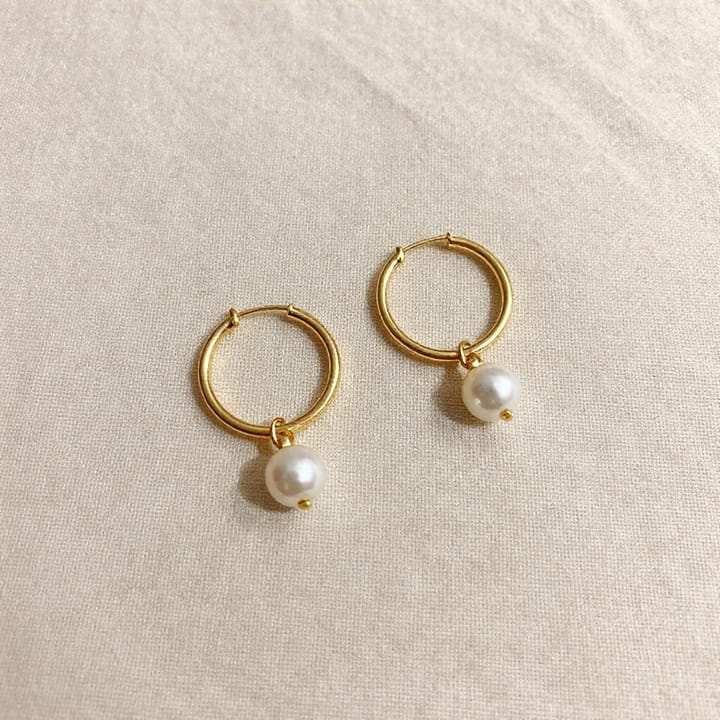
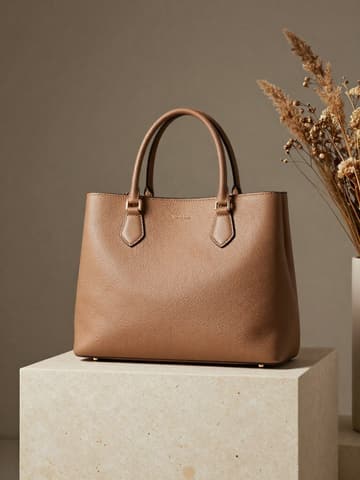

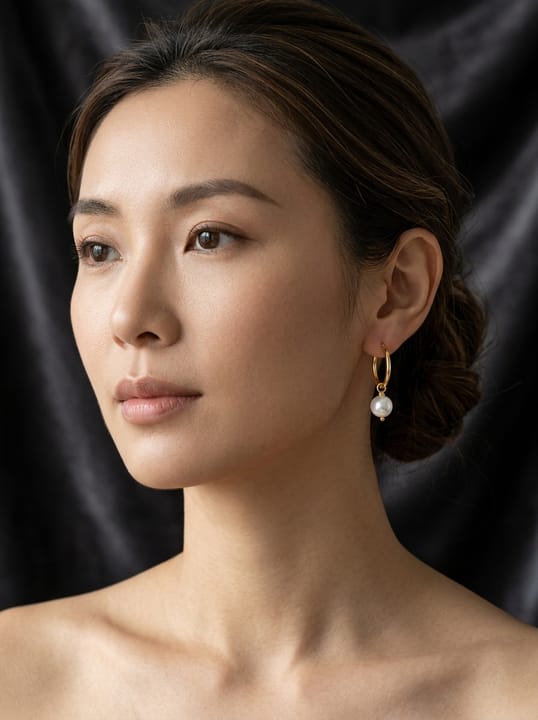
Bag / handbag packshot expectations
| Item | Requirement |
|---|---|
| Hero | Front packshot on white / light-neutral; product fills frameSource 2 |
| Angles | Side, top-open, detail (hardware / lining) as secondariesSource 2 |
| On-model | Optional AI Model / Try-On for worn scale — not required for every SKUSource 2 |
| Flat-lay | Useful for soft totes / unfolded views — see flat-lay guideSource 2 |
| Material | Preserve leather grain, canvas weave, metal colourSource 2 |
Matching MuseFrames output specs
- Shopify product image: 2048×2048 square
- Amazon hero image: 2000×2000, pure white background, product fills 85%
First make one image you like and set it as the hero image, then choose “Channel versions” on it: each version costs 1 credit and is output at the sizes above.
Which tools to use and how many credits they cost
Background Remover
1–3 credits per image (1K–4K)Isolate bags from cluttered floors or props.
Open toolAI Photo Studio
1–3 credits per image (1K–4K)White-BG packshots with consistent scale across the catalog.
Open toolMuseFrames charges in credits: 1 for a 1K image, 2 for 2K and 3 for 4K, with Virtual Try-On, Group Shot, Commercial Ad at 2×; video costs 15 credits for 5 sec and 45 credits for 15 sec.
Steps
- Upload a sharp bag photo (full outline, hardware visible).
- Cut out and place on white / light-neutral in Studio.
- Add side / open / detail angles from the same master.
- Optional: on-model or flat-lay for scale and lifestyle.
- QA logo, hardware colour, proportions; export channel sizes.
FAQ
Should bag heroes be white background?
For marketplace MAIN-style grids, white or light-neutral packshots are common. Brand stores may prefer lifestyle. See /en/solutions/white-background-product-photos and channel guides.
Ghost mannequin or on-model for bags?
Ghost mannequin is an apparel technique (/en/solutions/apparel-ghost-mannequin). Bags usually use packshot + optional on-model or flat-lay.
Can I batch a whole bag catalog?
Yes — keep one studio look and process SKUs in batch where Studio supports it. See /en/solutions/bulk-product-photos.
Will AI change my logo or hardware colour?
Aim for SKU fidelity; always QA logos, zipper pulls and metal finishes before listing.
Where are credits explained?
See /en/pricing and Credits & Billing help — this page does not list plan prices.
Related comparisons
Accessory cluster with footwear and flat-lay; white-background packshots, AI fashion models, and bulk catalog runs.
Sources
All pages below were accessed on 2026-10-26; prices and features may change at any time, so check the official websites for the latest.
- MuseFrames Features: https://museframes.com/en/features
- MuseFrames Pricing: https://museframes.com/en/pricing
- Amazon Seller Central: Product image guidelines: https://sellercentral.amazon.com/help/hub/reference/external/G1881
- Shopify Help Center: Product media types: https://help.shopify.com/en/manual/products/product-media/product-media-types
Try it with your own product photos
Create account when you hit Generate — Google or email.
Generate your first catalog shot free