
Food and beverage product photos with AI
Last updated: 2026-10-26
Short answer
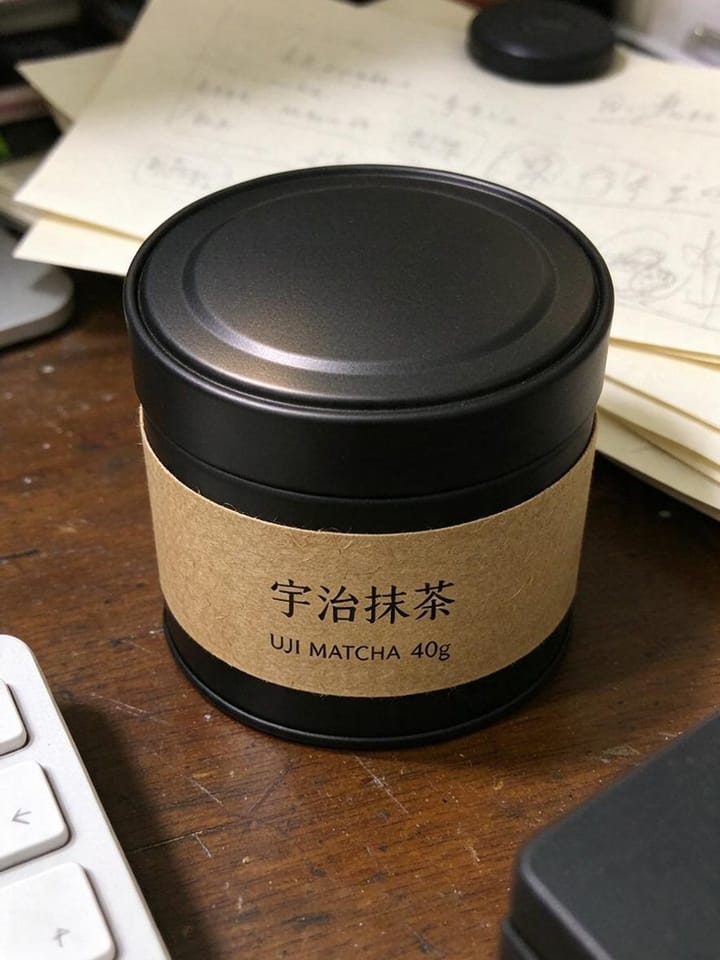
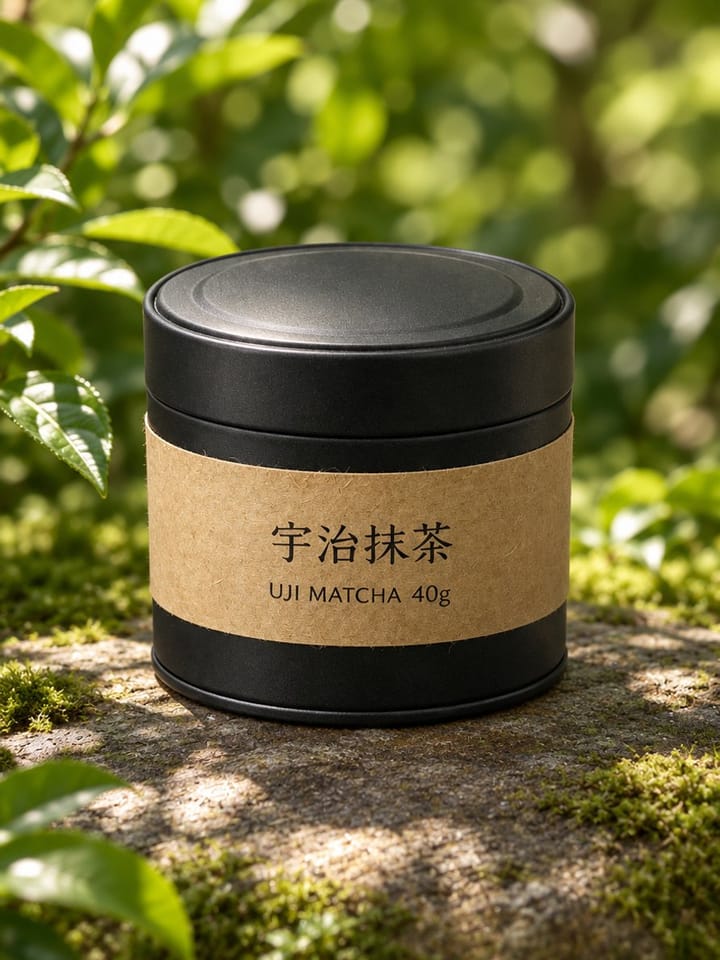
Shoppers buy packaged food and drinks when labels and finishes look real. MuseFrames builds white-BG packshots and optional lifestyle scenes from your product photo while aiming to keep label text and package shape faithful.
Always QA legal and nutrition label legibility before listing. This page does not make health or nutrition claims. Billing and credits: see /en/pricing.

Food & beverage packaging photo expectations
| Item | Requirement |
|---|---|
| Hero | Packshot on white / light-neutralSource 2 |
| Labels | Prioritize readable brand and required label textSource 2 |
| Condensation / liquid | Do not invent unsafe claims; keep styling honestSource 2 |
| Lifestyle | Secondary only; product remains recognizableSource 2 |
| Claims | No health/nutrition claims in MuseFrames page copySource 2 |
Matching MuseFrames output specs
- Shopify product image: 2048×2048 square
- Amazon hero image: 2000×2000, pure white background, product fills 85%
First make one image you like and set it as the hero image, then choose “Channel versions” on it: each version costs 1 credit and is output at the sizes above.
Which tools to use and how many credits they cost
MuseFrames charges in credits: 1 for a 1K image, 2 for 2K and 3 for 4K, with Virtual Try-On, Group Shot, Commercial Ad at 2×; video costs 15 credits for 5 sec and 45 credits for 15 sec.
Steps
- Upload a sharp package photo (label facing camera).
- Isolate and place on white / light-neutral.
- Add angle / detail frames (cap, seal, back label if needed).
- Optional lifestyle scene for brand pages.
- QA label text, colour, barcode area; export sizes.
FAQ
Will AI rewrite my nutrition label?
You must QA every character on regulated labels. If text drifts, re-generate or retouch before publishing.
Same workflow as cosmetics?
Similar packshot flow; see /en/solutions/cosmetics-skincare for beauty-specific texture notes.
Marketplace white-BG?
Often yes for MAIN-style heroes — /en/solutions/white-background-product-photos + Amazon guide.
Bulk SKUs / flavours?
See /en/solutions/bulk-product-photos.
Pricing?
See /en/pricing only.
Related comparisons
Packaging vertical next to cosmetics-skincare; white-background packshots, bulk catalogs, and Amazon MAIN.
Sources
All pages below were accessed on 2026-10-26; prices and features may change at any time, so check the official websites for the latest.
- MuseFrames Features: https://museframes.com/en/features
- MuseFrames Pricing: https://museframes.com/en/pricing
- Amazon Seller Central: Product image guidelines: https://sellercentral.amazon.com/help/hub/reference/external/G1881
- Shopify Help Center: Product media types: https://help.shopify.com/en/manual/products/product-media/product-media-types
Try it with your own product photos
Create account when you hit Generate — Google or email.
Generate your first catalog shot free