
商品短视频:一张图做成 5 秒或 15 秒
Last updated: 2026-10-26
Short answer
把一张满意的商品主图转成短视频:在「AI 摄影棚」切换到视频模式,或在作品上选「转为视频」。5 秒 15 点,15 秒 45 点;可选横屏或竖屏(如 TikTok 9:16)。视频是付费功能,免费档不含。
适合店铺主图动效、信息流广告与短视频带货的封面素材。上架前核对商品颜色/外形与实物一致,并按平台要求标注 AI 生成内容。
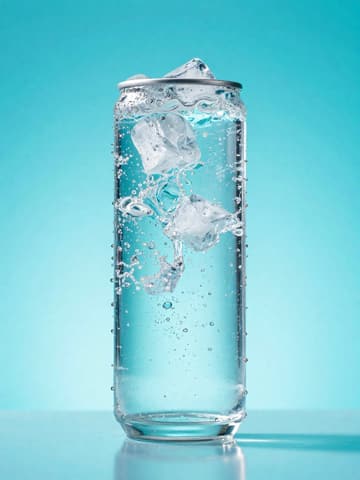

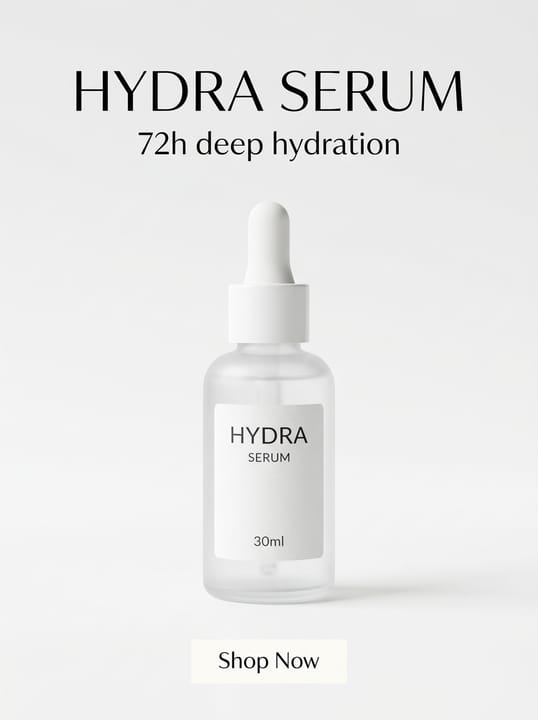
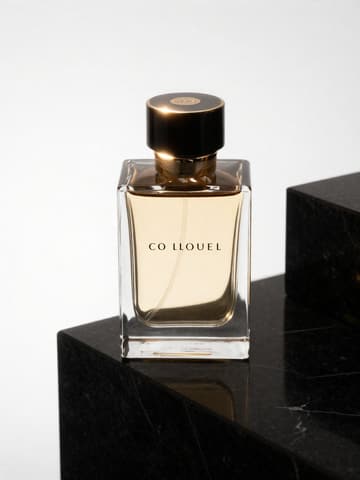
短视频常用规格与计费
| Item | Requirement |
|---|---|
| 时长与点数 | 5 秒 15 点;15 秒 45 点(付费功能)Source 1 |
| TikTok / 抖音信息流 | 竖屏短视频常见 9:16;广告规格以广告后台为准Source 2 |
| Feed/Reels 以竖图或竖视频为主;以 Meta 广告指南为准Source 3 | |
| 商品一致性 | 不得用 AI 改变商品颜色、材质等关键信息(各平台政策)Source 4 |
Matching MuseFrames output specs
- Douyin / TikTok: 1080×1920 · 9:16 full screen, safe zones top and bottom
- Instagram post: 1080×1350 · 4:5 portrait
First make one image you like and set it as the hero image, then choose “Channel versions” on it: each version costs 1 credit and is output at the sizes above.
Which tools to use and how many credits they cost
Product video (Photo Studio video mode)
5 sec 15 credits · 15 sec 45 credits摄影棚视频模式:由主图生成 5 秒或 15 秒短视频。
Open toolMuseFrames charges in credits: 1 for a 1K image, 2 for 2K and 3 for 4K, with Virtual Try-On, Group Shot, Commercial Ad at 2×; video costs 15 credits for 5 sec and 45 credits for 15 sec.
Steps
- 先用摄影棚或背景移除做出一张满意的主图并设为主图。
- 在主图上选「转为视频」,或打开摄影棚切换到视频模式。
- 选择时长(5 或 15 秒)与画面比例(横/竖)。
- 可填写一句运镜描述,或留空使用默认商业运镜。
- 生成后检查商品细节,按平台规则标注 AI 内容再发布。
FAQ
视频多少点?
5 秒 15 点,15 秒 45 点。视频为付费功能,免费档不含。详见 /en/pricing。
可以做竖屏吗?
可以。视频模式支持横屏与竖屏比例,短视频带货常用 9:16。
必须先有主图吗?
建议先有一张满意的静帧主图再转视频,效果更稳;也可在摄影棚视频模式直接开始。
TikTok Shop 能用吗?
可以作短视频素材;主图仍需符合白底等平台规则,参见 /en/solutions/tiktok-shop。
Related comparisons
Need stills plus video in one studio? Compare MuseFrames vs Photoroom (video on higher plans) and browse TikTok Shop or social media solutions — or all AI product photo comparisons.
Sources
All pages below were accessed on 2026-10-26; prices and features may change at any time, so check the official websites for the latest.
- MuseFrames Pricing: https://museframes.com/en/pricing
- TikTok Ads Help Center: Auction In-Feed Ads specs: https://ads.tiktok.com/resources/help/article/tiktok-auction-in-feed-ads?lang=en
- Meta Ads Guide: Instagram Feed image ads: https://www.facebook.com/business/ads-guide/update/image/instagram-feed
- TikTok Shop US Seller University: AI-generated content restrictions and requirements: https://seller-us.tiktok.com/university/essay?knowledge_id=491489038501663&lang=en
Try it with your own product photos
Create account when you hit Generate — Google or email.
Generate your first catalog shot free