
AI jewelry try-on and on-model catalog photos
Última actualización: 2026-10-26
Respuesta breve
Show rings, earrings, and necklaces on-model with AI try-on and catalog shots without a full jewelry shoot. Use this page for try-on / on-model; use /en/solutions/jewelry for general jewelry product-photo guidance.
Open Virtual Try-On or AI Model Studio (credits per public pricing / resolution). Optionally produce clean product-only frames in AI Photo Studio. QA reflections, metal color and scale before listing.
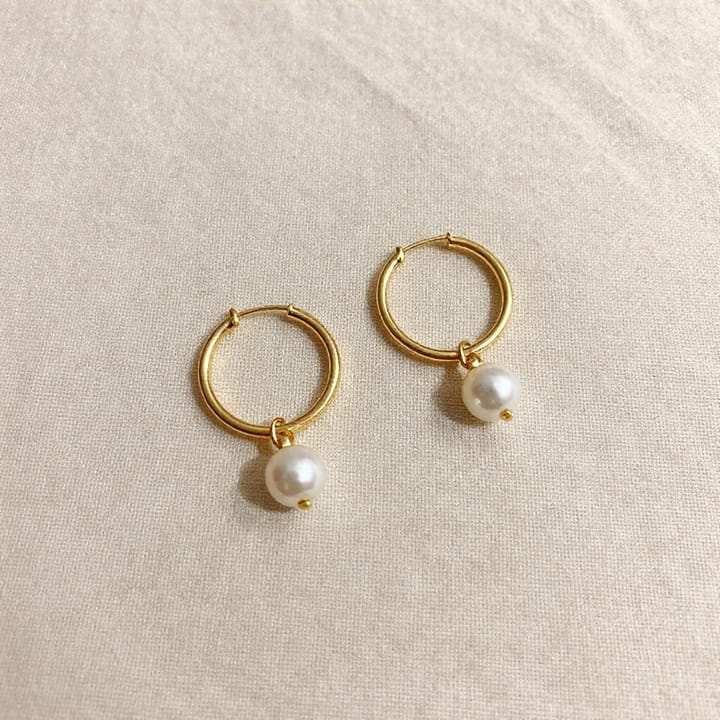
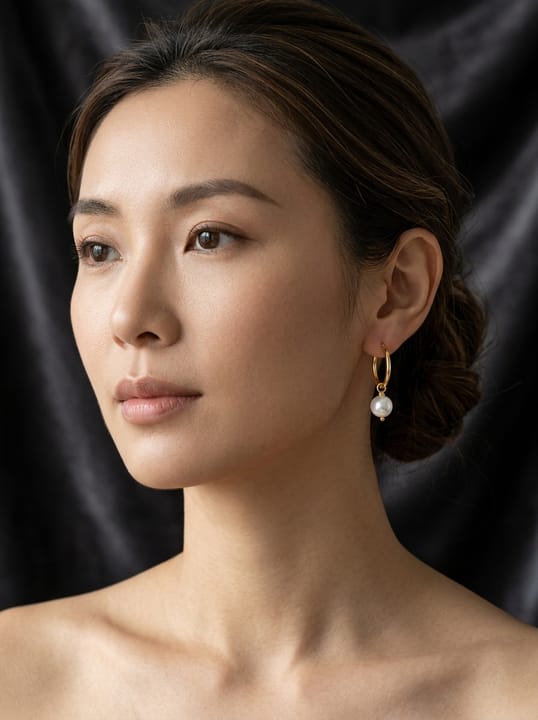

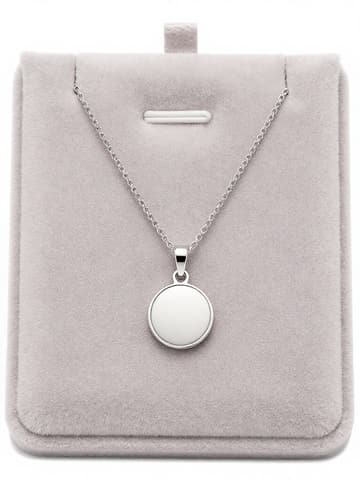
Try-On vs Model Studio for jewelry
| Punto | Requisitos |
|---|---|
| Sibling guide | /en/solutions/jewelry covers shooting and enhancing jewelry product photos — do not replace itFuente 2 |
| Try-On / Model | On-model and try-on views; treat fit/scale as approximateFuente 2 |
| Amazon MAIN | White background, product-accurate; AI people may need metadata labelingFuente 1 |
| Reflections | Metal/gemstone highlights vary with source photo quality — always QAFuente 2 |
Especificaciones de salida de MuseFrames
- Publicación de Instagram: 1080×1350 · 4:5 vertical
- Imagen principal de Amazon: 2000×2000, fondo blanco puro, producto al 85%
Crea primero una imagen que te guste y establécela como imagen principal; luego elige «Versiones por canal» en el resultado: cada versión consume 1 de tus créditos y se genera en los tamaños indicados arriba.
Herramientas y créditos necesarios
Probador Virtual
2–6 créditos por imagen (1K–4K)Virtual try-on for rings, earrings, necklaces on a model.
Abrir herramientaEstudio de Modelos IA
1–3 créditos por imagen (1K–4K)On-model catalog framings and lifestyle holds.
Abrir herramientaEstudio Fotográfico IA
1–3 créditos por imagen (1K–4K)Product-only and background variants for the gallery.
Abrir herramientaMuseFrames cobra en créditos: las imágenes 1K, 2K y 4K cuestan 1, 2 y 3 créditos respectivamente, y Probador Virtual, Foto de Grupo, Anuncio Comercial se cobran con tarifa ×2; el vídeo de 5 s cuesta 15 créditos y el de 15 s, 45 créditos.
Pasos
- Upload a sharp photo of the piece (true metal/stone color).
- Open Virtual Try-On or Model Studio.
- Generate on-model / try-on views; keep scale realistic.
- Optionally produce clean product-only frames in Studio for the gallery.
- QA reflections and product accuracy before listing.
Preguntas frecuentes
How is this different from the jewelry product photo guide?
/en/solutions/jewelry covers shooting and enhancing jewelry product photos. This page focuses on AI try-on and on-model catalog views. Link both.
Can AI try-on show accurate ring size?
Treat fit/scale as approximate. Always QA size cues and disclose per your store policy; MuseFrames does not replace physical sizing.
Which tools do I use?
/tool/try-on and /tool/model for on-model; /tool/studio for product-only and backgrounds. Credits per public pricing.
Will metal and gemstone reflections look real?
Results vary with source photo quality. Start with sharp, well-lit uploads and review highlights before publishing. See also the jewelry shoot guide for capture tips.
Related comparisons
Pair with the jewelry shoot guide and AI fashion models. For fashion try-on tools, see MuseFrames vs FASHN.
Fuentes
Todas las páginas siguientes se consultaron el 2026-10-26; los precios y las funciones pueden cambiar en cualquier momento; consulta siempre la web oficial.
- Amazon Seller Central: guía de imágenes de producto: https://sellercentral.amazon.com/help/hub/reference/external/G1881
- MuseFrames Features: https://museframes.com/en/features
- MuseFrames Pricing: https://museframes.com/en/pricing
- MuseFrames Acceptable Use Policy: https://museframes.com/en/legal/acceptable-use
Pruébalo con tus propias fotos de producto
点生成时再创建账号 — 支持 Google 或邮箱。
免费生成你的第一张目录图