
Baby product photos with AI
Last updated: 2026-10-11
Short answer
Baby shoppers need SKU-faithful colour, packaging and soft-goods texture. MuseFrames builds white-BG packshots and optional lifestyle nursery scenes from your product photo — always QA labels, logos and proportions; do not invent safety / age claims in MuseFrames page copy.
Always QA labels and logos before listing. Billing and credits: see /en/pricing.
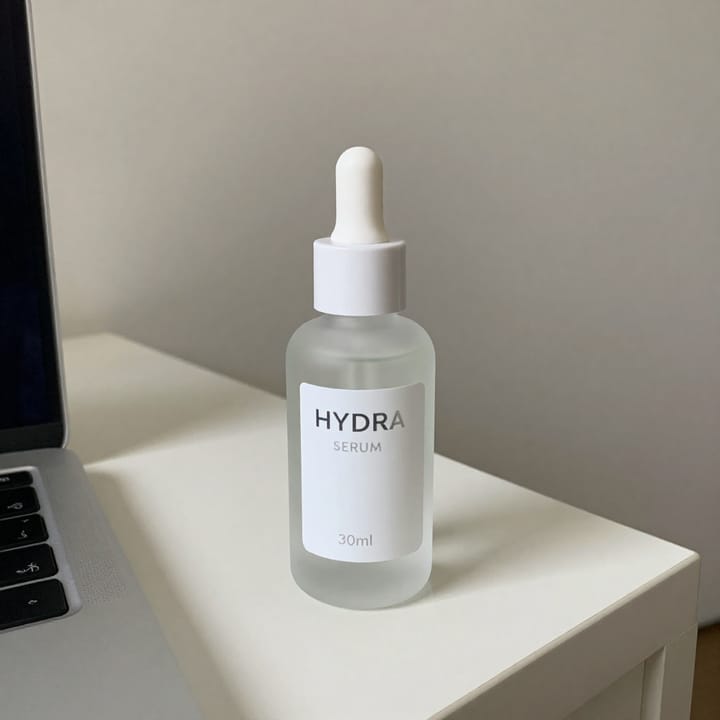
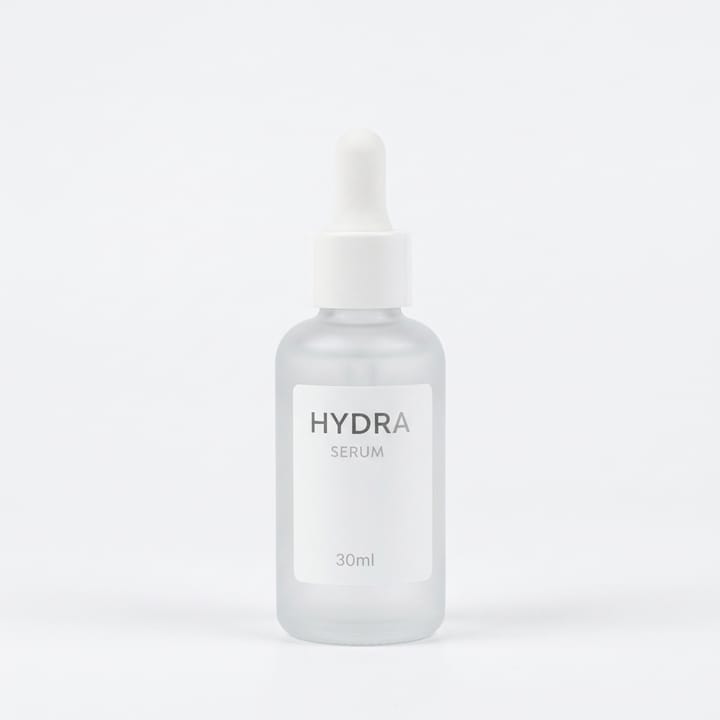
Baby / nursery listing photo expectations
| Item | Requirement |
|---|---|
| Hero | Packshot on white / light-neutralSource 1 |
| Soft goods | Preserve fabric / stitch / print fidelitySource 2 |
| Packaging | Keep front-of-pack readableSource 1 |
| Lifestyle | Secondary nursery scenes onlySource 2 |
| Claims | No age / safety / choking claims invented in MuseFrames copy — sellers follow channel rulesSource 2 |
| No badges | Avoid watermarks / promo overlays on marketplace heroes where prohibitedSource 1 |
Matching MuseFrames output specs
- Amazon hero image: 2000×2000, pure white background, product fills 85%
- Shopify product image: 2048×2048 square
First make one image you like and set it as the hero image, then choose “Channel versions” on it: each version costs 1 credit and is output at the sizes above.
Which tools to use and how many credits they cost
Product Page Set
1–3 credits per image (1K–4K)Multi-image listing set (packaging, accessories).
Open toolMuseFrames charges in credits: 1 for a 1K image, 2 for 2K and 3 for 4K, with Virtual Try-On, Group Shot, Commercial Ad at 2×; video costs 15 credits for 5 sec and 45 credits for 15 sec.
Steps
- Upload a sharp product photo (packaging or silhouette clear).
- Isolate and place on white / light-neutral.
- Add detail / packaging / accessory frames.
- Optional soft nursery lifestyle for brand pages.
- QA labels, colour, proportions; export sizes.
FAQ
Will AI rewrite packaging or care labels?
You must QA every label and logo. If text drifts, re-generate or retouch before listing.
Same workflow as toys product photos?
Similar packshot workflow; baby SKUs often need softer lifestyle and stricter label QA. See /en/solutions/toys-product-photos.
White background for marketplaces?
Many MAIN-style grids prefer clean white / light-neutral. See /en/solutions/white-background-product-photos and /en/solutions/amazon-main-image.
Can I batch a nursery catalog?
Yes — keep one studio look. See /en/solutions/bulk-product-photos.
Where do credits and plans live?
/en/pricing only.
Related comparisons
Baby / nursery packshots sit next to toys, pet CPG, white-background heroes, bulk catalogs, Amazon MAIN, and flat-lay workflows.
Sources
All pages below were accessed on 2026-10-11; prices and features may change at any time, so check the official websites for the latest.
- Amazon Seller Central: Product image guidelines: https://sellercentral.amazon.com/help/hub/reference/external/G1881
- MuseFrames Pricing: https://museframes.com/en/pricing
- MuseFrames Features: https://museframes.com/en/features
Try it with your own product photos
Create account when you hit Generate — Google or email.
Generate your first catalog shot free