
Google Shopping product photos with AI
Last updated: 2026-10-11
Short answer
Google Shopping listings convert when the primary image clearly shows the product without clutter. MuseFrames builds clean packshots from one product photo and exports sizes for your Merchant Center feed — always confirm current Google Merchant Center image requirements before you submit.
Never invent min width/height or file-size numbers — cite Google Help. Billing and credits: see /en/pricing.
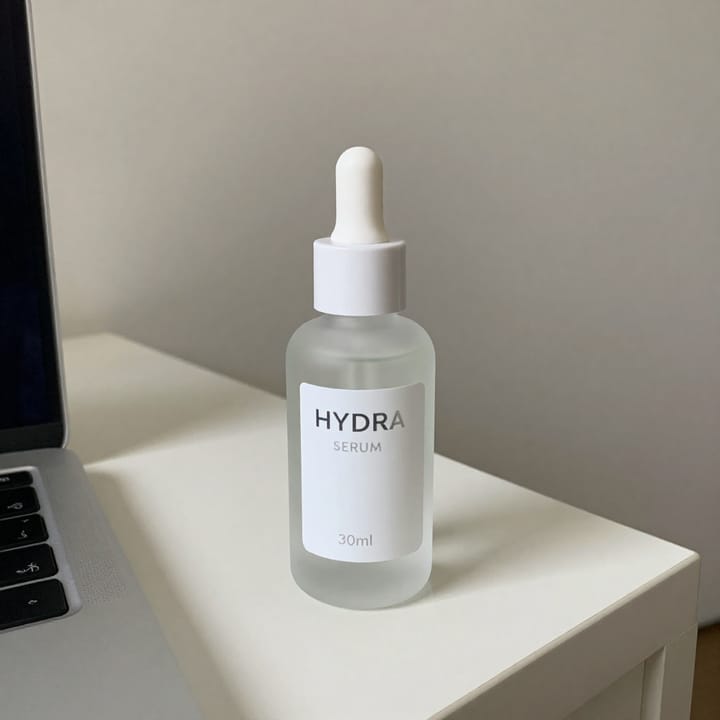
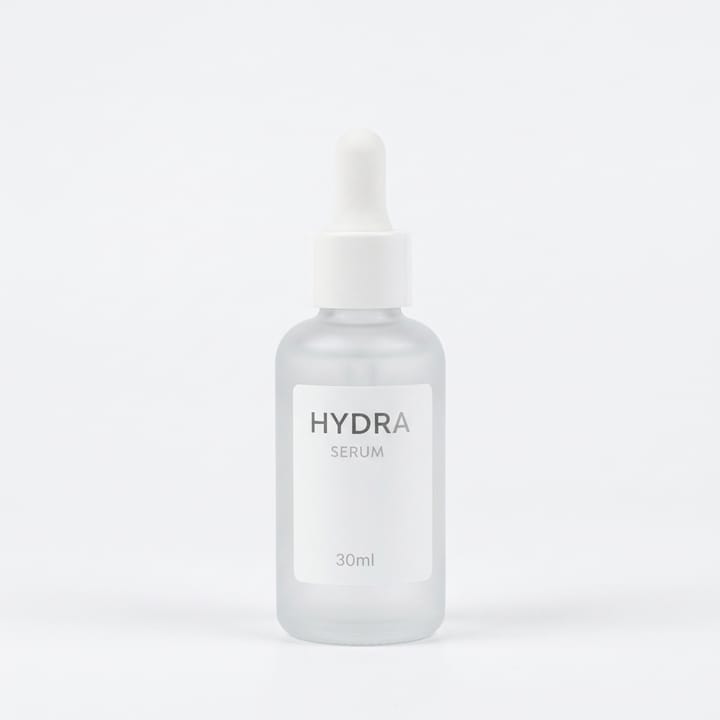
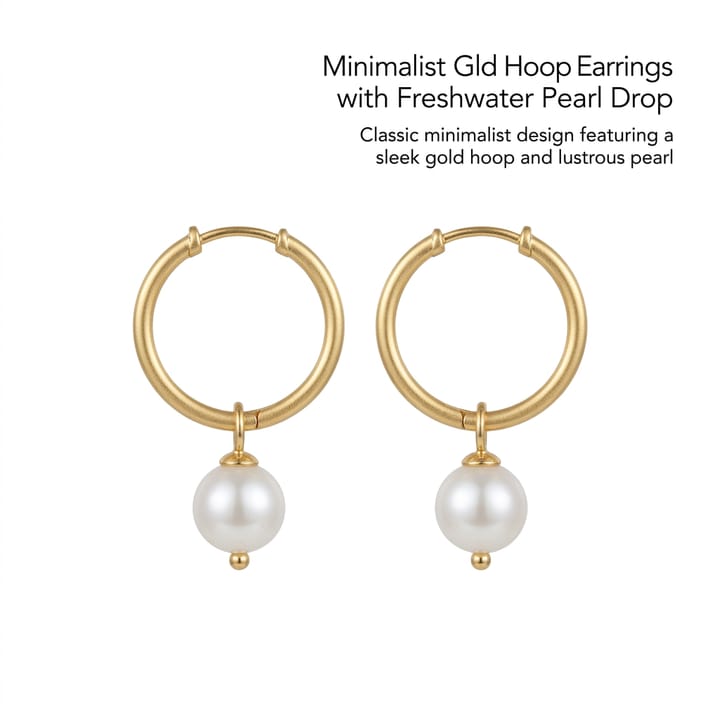

Google Shopping / Merchant Center photo expectations
| Item | Requirement |
|---|---|
| Primary image | Product fills frame; prefer plain / white-BG when required — confirm on Google HelpSource 1 |
| No overlays | Avoid promotional text / watermarks / borders unless Google currently allowsSource 1 |
| Fidelity | SKU-true colour and proportionsSource 2 |
| Feed | Image URL must match the offer — sellers own feed mappingSource 1 |
| Sister pages | amazon-main-image · white-bg · walmart · tiktok-shopSource 2 |
Matching MuseFrames output specs
- Amazon hero image: 2000×2000, pure white background, product fills 85%
- Shopify product image: 2048×2048 square
First make one image you like and set it as the hero image, then choose “Channel versions” on it: each version costs 1 credit and is output at the sizes above.
Which tools to use and how many credits they cost
Background Remover
1–3 credits per image (1K–4K)Cutout / white-BG start when the feed needs a clean plate.
Open toolProduct Page Set
1–3 credits per image (1K–4K)Multi-image sets when your Shopping portfolio needs extras.
Open toolMuseFrames charges in credits: 1 for a 1K image, 2 for 2K and 3 for 4K, with Virtual Try-On, Group Shot, Commercial Ad at 2×; video costs 15 credits for 5 sec and 45 credits for 15 sec.
Steps
- Upload a sharp product photo.
- Isolate to a clean / white background when your feed needs it.
- Crop so the product is the clear focus (no heavy props).
- Export a high-quality JPEG/PNG suitable for your feed host.
- QA against current Merchant Center image help; update the feed image URL.
FAQ
What image rules does Google Merchant Center require?
Requirements change — confirm size, format, and prohibited overlays on Google’s current Merchant Center Help. See also /en/guides/google-merchant-center-image-requirements. This page does not invent pixel rules.
Is this the same as Amazon MAIN image?
Similar clean-packshot discipline, but each program has its own rules. See /en/solutions/amazon-main-image and re-check both helps.
White background mandatory?
Follow Google’s current help for your product category. Clean white / light-neutral often performs well. See /en/solutions/white-background-product-photos.
Can MuseFrames write my Shopping feed?
MuseFrames creates images; you (or your feed app) still host URLs and map attributes in Merchant Center.
Pricing?
/en/pricing only.
Related comparisons
Google Shopping packshots sit next to Amazon MAIN, white-background heroes, Walmart, TikTok Shop, bulk catalogs, and the Merchant Center image-requirements guide.
Sources
All pages below were accessed on 2026-10-11; prices and features may change at any time, so check the official websites for the latest.
- Google Merchant Center Help — Product image requirements (Official): https://support.google.com/merchants/answer/6324350
- Amazon Seller Central: Product image guidelines: https://sellercentral.amazon.com/help/hub/reference/external/G1881
- MuseFrames Pricing: https://museframes.com/en/pricing
- MuseFrames Features: https://museframes.com/en/features
Try it with your own product photos
Create account when you hit Generate — Google or email.
Generate your first catalog shot free