
How to make PrestaShop product photos with AI
Last updated: 2026-10-11
Short answer
PrestaShop catalogs sell when every SKU shares one clean look across product pages and category grids. MuseFrames turns one product photo into packshots, details and optional lifestyle frames sized for your storefront — always QA before you upload.
Confirm current PrestaShop / theme image guidance at ship. Billing and credits: see /en/pricing.
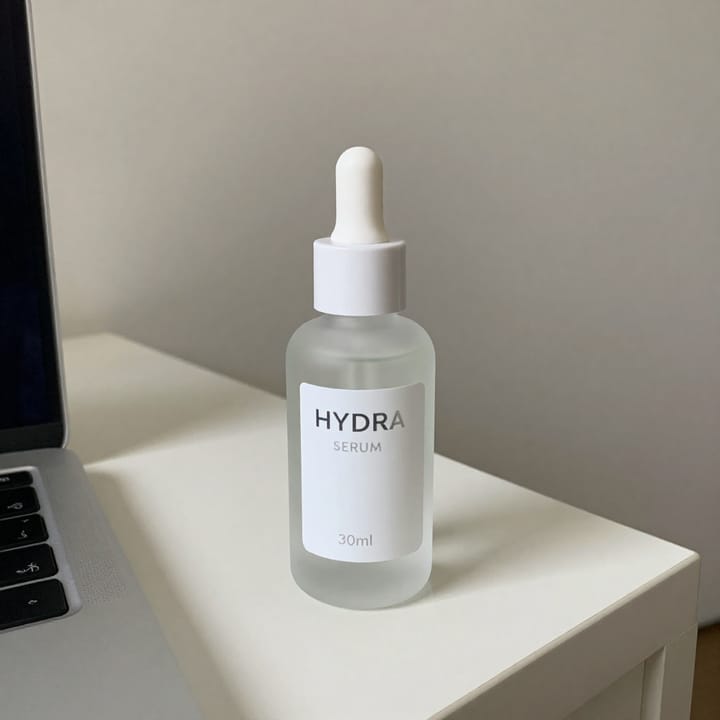
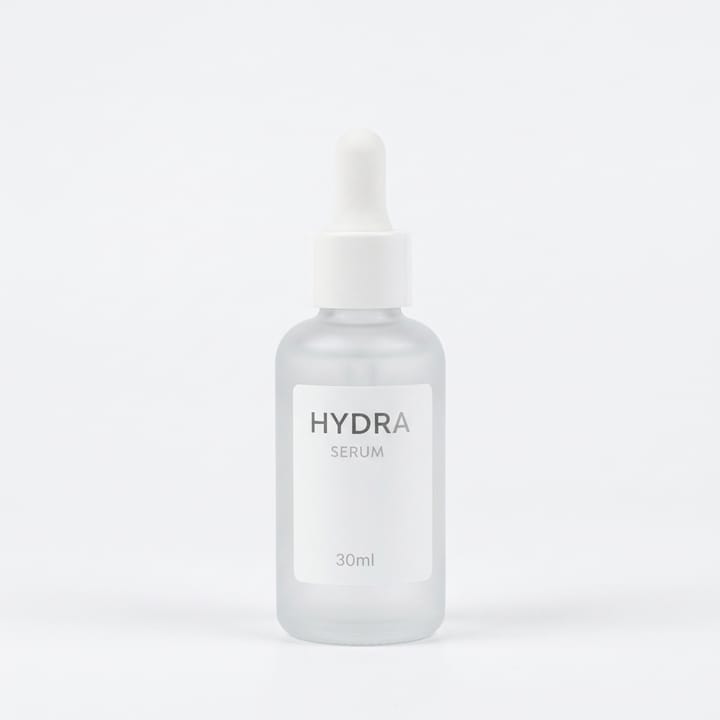
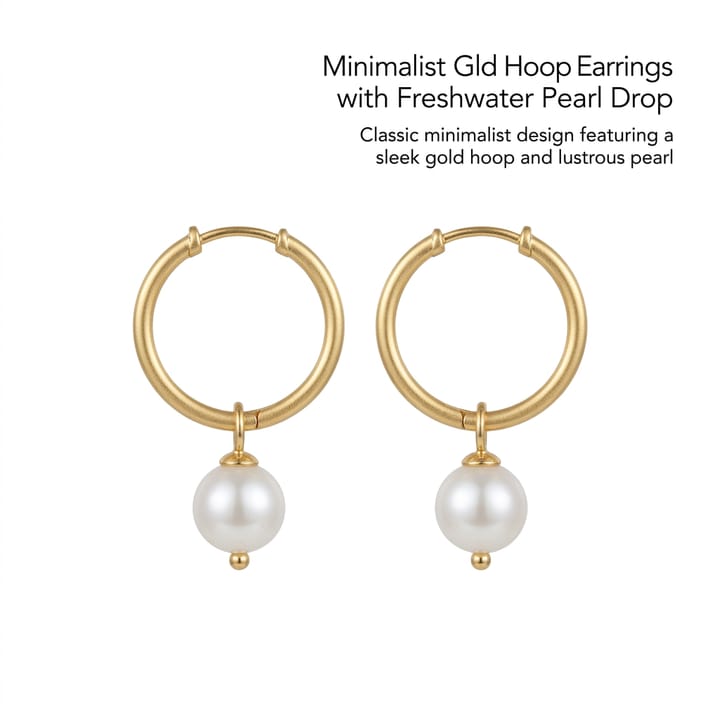

PrestaShop catalog image expectations
| Item | Requirement |
|---|---|
| Hero | Packshot on white / light-neutralSource 1 |
| Gallery | Additional angles / detail / packagingSource 1 |
| Combinations | Keep variant colour true (no invented colourways)Source 2 |
| Theme | Confirm current PrestaShop / theme image guidance at shipSource 1 |
| CMS cluster | Magento · Woo · Shopify · Wix · Squarespace siblingsSource 2 |
Matching MuseFrames output specs
- Shopify product image: 2048×2048 square
First make one image you like and set it as the hero image, then choose “Channel versions” on it: each version costs 1 credit and is output at the sizes above.
Which tools to use and how many credits they cost
MuseFrames charges in credits: 1 for a 1K image, 2 for 2K and 3 for 4K, with Virtual Try-On, Group Shot, Commercial Ad at 2×; video costs 15 credits for 5 sec and 45 credits for 15 sec.
Steps
- Upload a sharp product photo.
- Isolate and place on white / light-neutral.
- Add angle / detail frames for the product gallery.
- Optional on-model / lifestyle for apparel or brand pages.
- QA colour and logos; export sizes for PrestaShop.
FAQ
Does MuseFrames replace a PrestaShop theme image settings panel?
No — MuseFrames creates the image files; you still upload and configure them in PrestaShop / your theme. Follow PrestaShop’s current product-image help.
Same workflow as Magento or WooCommerce?
The photo workflow is similar (packshot → gallery → export). Platform upload rules differ — see /en/solutions/magento-product-photos and /en/solutions/woocommerce-product-photos.
White background for category grids?
Clean white / light-neutral packshots usually read best in grids. See /en/solutions/white-background-product-photos.
Batch many SKUs?
Yes where Studio batch is available. See /en/solutions/bulk-product-photos.
Pricing?
See /en/pricing only. This guide does not list plan prices.
Related comparisons
PrestaShop catalog workflows sit next to Magento, WooCommerce, Shopify, Wix, Squarespace, bulk, and white-background guides.
Sources
All pages below were accessed on 2026-10-11; prices and features may change at any time, so check the official websites for the latest.
- PrestaShop documentation — Product images / media (re-check docs at ship): https://docs.prestashop-project.org/
- MuseFrames Pricing: https://museframes.com/en/pricing
- MuseFrames Features: https://museframes.com/en/features
- Adobe Commerce / Magento — product media / catalog images (re-check docs at ship): https://experienceleague.adobe.com/docs/commerce-admin/catalog/products/catalog-images.html
Try it with your own product photos
Create account when you hit Generate — Google or email.
Generate your first catalog shot free