
Google Shopping product photos with AI
Última actualización: 2026-10-11
Respuesta breve
Google Shopping listings convert when the primary image clearly shows the product without clutter. MuseFrames builds clean packshots from one product photo and exports sizes for your Merchant Center feed — always confirm current Google Merchant Center image requirements before you submit.
Never invent min width/height or file-size numbers — cite Google Help. Billing and credits: see /en/pricing.
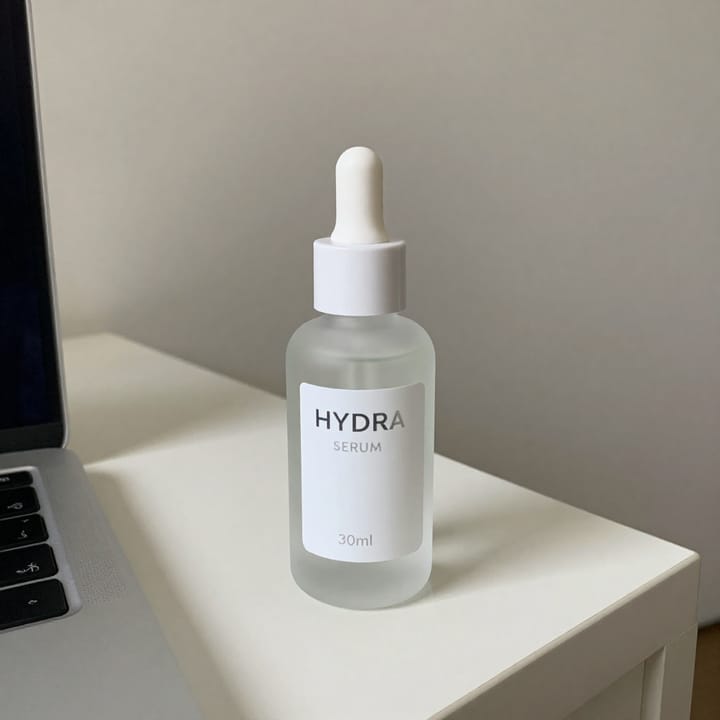
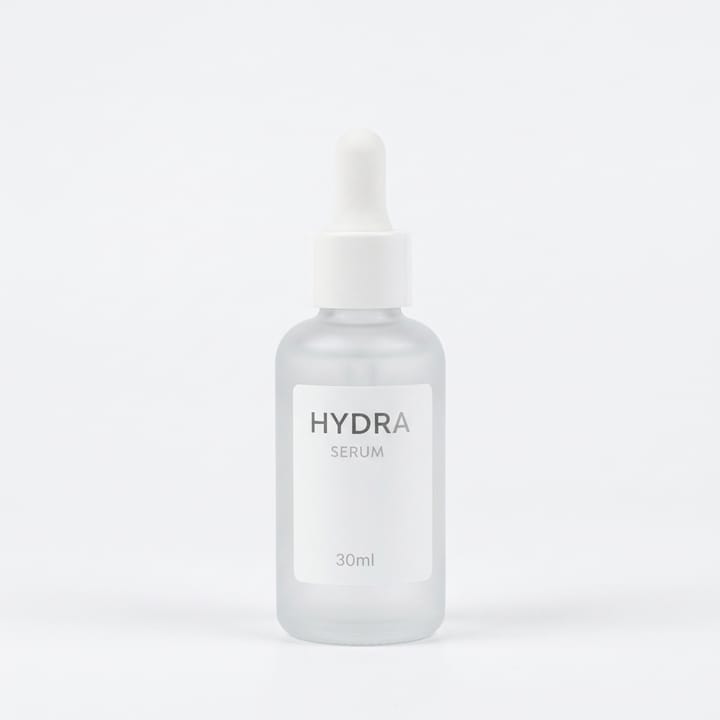
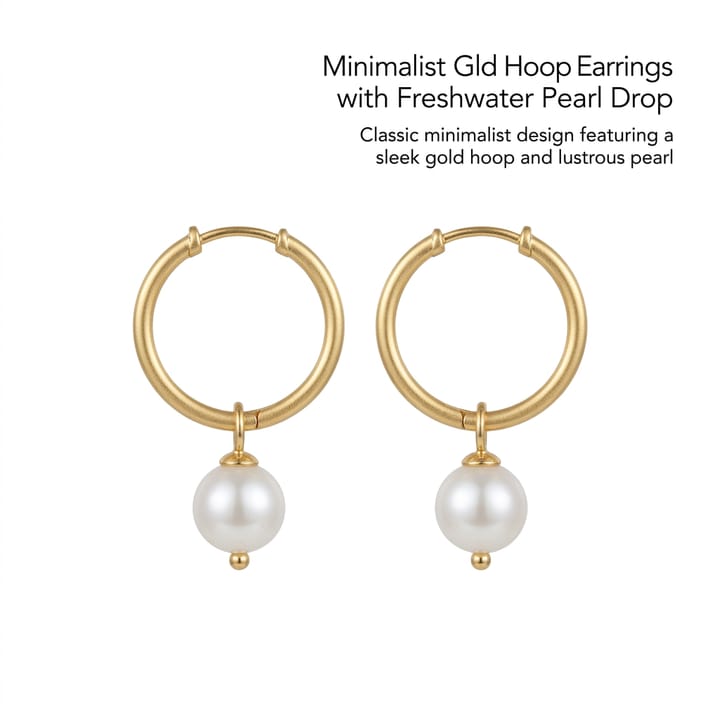

Google Shopping / Merchant Center photo expectations
| Punto | Requisitos |
|---|---|
| Primary image | Product fills frame; prefer plain / white-BG when required — confirm on Google HelpFuente 1 |
| No overlays | Avoid promotional text / watermarks / borders unless Google currently allowsFuente 1 |
| Fidelity | SKU-true colour and proportionsFuente 2 |
| Feed | Image URL must match the offer — sellers own feed mappingFuente 1 |
| Sister pages | amazon-main-image · white-bg · walmart · tiktok-shopFuente 2 |
Especificaciones de salida de MuseFrames
- Imagen principal de Amazon: 2000×2000, fondo blanco puro, producto al 85%
- Imagen de producto de Shopify: 2048×2048 cuadrada
Crea primero una imagen que te guste y establécela como imagen principal; luego elige «Versiones por canal» en el resultado: cada versión consume 1 de tus créditos y se genera en los tamaños indicados arriba.
Herramientas y créditos necesarios
Quitar Fondo
1–3 créditos por imagen (1K–4K)Cutout / white-BG start when the feed needs a clean plate.
Abrir herramientaEstudio Fotográfico IA
1–3 créditos por imagen (1K–4K)Clean packshot heroes with controlled fill.
Abrir herramientaSet de Página de Producto
1–3 créditos por imagen (1K–4K)Multi-image sets when your Shopping portfolio needs extras.
Abrir herramientaMuseFrames cobra en créditos: las imágenes 1K, 2K y 4K cuestan 1, 2 y 3 créditos respectivamente, y Probador Virtual, Foto de Grupo, Anuncio Comercial se cobran con tarifa ×2; el vídeo de 5 s cuesta 15 créditos y el de 15 s, 45 créditos.
Pasos
- Upload a sharp product photo.
- Isolate to a clean / white background when your feed needs it.
- Crop so the product is the clear focus (no heavy props).
- Export a high-quality JPEG/PNG suitable for your feed host.
- QA against current Merchant Center image help; update the feed image URL.
Preguntas frecuentes
What image rules does Google Merchant Center require?
Requirements change — confirm size, format, and prohibited overlays on Google’s current Merchant Center Help. See also /en/guides/google-merchant-center-image-requirements. This page does not invent pixel rules.
Is this the same as Amazon MAIN image?
Similar clean-packshot discipline, but each program has its own rules. See /en/solutions/amazon-main-image and re-check both helps.
White background mandatory?
Follow Google’s current help for your product category. Clean white / light-neutral often performs well. See /en/solutions/white-background-product-photos.
Can MuseFrames write my Shopping feed?
MuseFrames creates images; you (or your feed app) still host URLs and map attributes in Merchant Center.
Pricing?
/en/pricing only.
Related comparisons
Google Shopping packshots sit next to Amazon MAIN, white-background heroes, Walmart, TikTok Shop, bulk catalogs, and the Merchant Center image-requirements guide.
Fuentes
Todas las páginas siguientes se consultaron el 2026-10-11; los precios y las funciones pueden cambiar en cualquier momento; consulta siempre la web oficial.
- Google Merchant Center Help — Product image requirements (Official): https://support.google.com/merchants/answer/6324350
- Amazon Seller Central: guía de imágenes de producto: https://sellercentral.amazon.com/help/hub/reference/external/G1881
- MuseFrames Pricing: https://museframes.com/en/pricing
- MuseFrames Features: https://museframes.com/en/features
Pruébalo con tus propias fotos de producto
点生成时再创建账号 — 支持 Google 或邮箱。
免费生成你的第一张目录图