
How to make Squarespace product photos with AI
Última actualización: 2026-10-11
Respuesta breve
Squarespace storefronts convert when catalog images look consistent across product and collection pages. MuseFrames builds white-BG packshots and optional lifestyle frames from one product photo, then exports sizes you upload into Squarespace — always QA colour and proportions before publish.
Follow Squarespace Commerce image help at ship — do not invent pixel rules. Billing and credits: see /en/pricing.
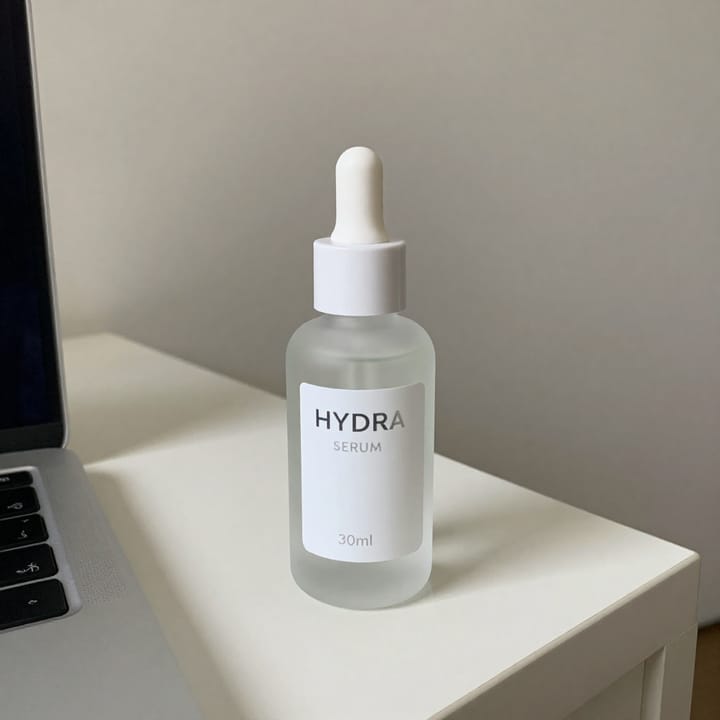
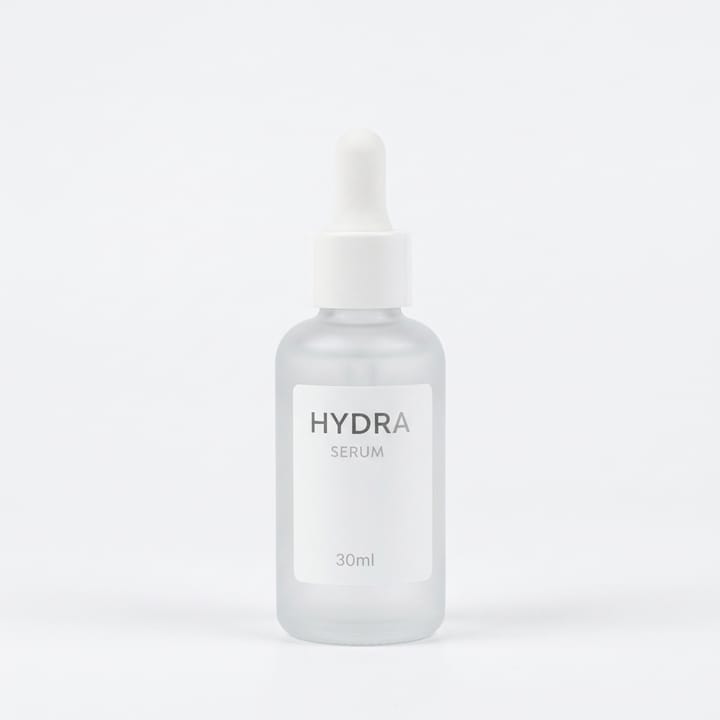
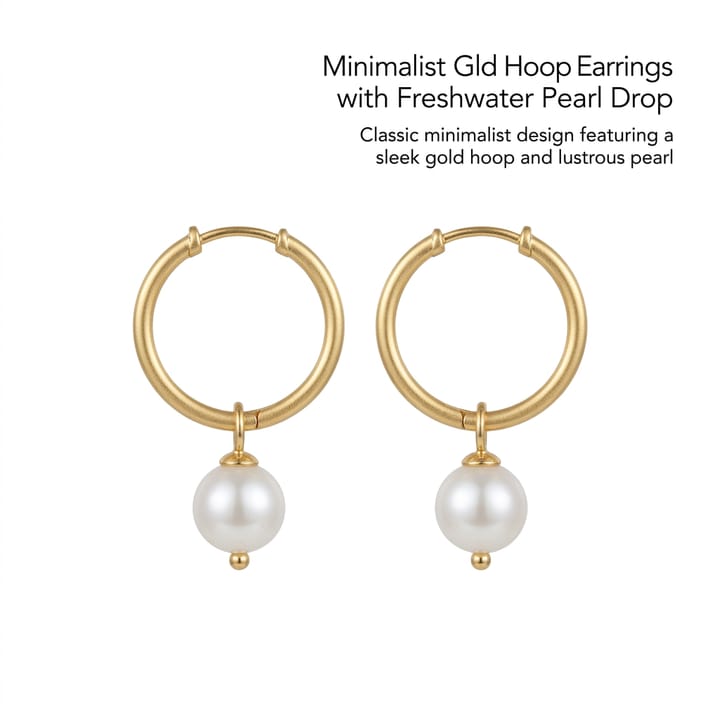

Squarespace Commerce image expectations
| Punto | Requisitos |
|---|---|
| Hero | Clean packshot on white / light-neutral for gridsFuente 1 |
| Collection | Keep one studio look across a categoryFuente 2 |
| Lifestyle | Secondary for brand pages / blogFuente 2 |
| Upload | Follow Squarespace Commerce image help at ship — do not invent px rulesFuente 1 |
| Platform cluster | Shopify · Woo · BigCommerce · Magento · Wix siblingsFuente 2 |
Especificaciones de salida de MuseFrames
- Imagen de producto de Shopify: 2048×2048 cuadrada
Crea primero una imagen que te guste y establécela como imagen principal; luego elige «Versiones por canal» en el resultado: cada versión consume 1 de tus créditos y se genera en los tamaños indicados arriba.
Herramientas y créditos necesarios
Estudio Fotográfico IA
1–3 créditos por imagen (1K–4K)Hero + angles for consistent catalog tiles.
Abrir herramientaSet de Página de Producto
1–3 créditos por imagen (1K–4K)Multi-image listing set for PDPs.
Abrir herramientaRéplica de Estilo
1–3 créditos por imagen (1K–4K)Optional lifestyle match for brand pages.
Abrir herramientaMuseFrames cobra en créditos: las imágenes 1K, 2K y 4K cuestan 1, 2 y 3 créditos respectivamente, y Probador Virtual, Foto de Grupo, Anuncio Comercial se cobran con tarifa ×2; el vídeo de 5 s cuesta 15 créditos y el de 15 s, 45 créditos.
Pasos
- Upload a sharp product photo (true colour, full product visible).
- Isolate with Background Remover or start cutout in Studio.
- Place on white / light-neutral; lock square or storefront aspect.
- Generate angle / detail / optional lifestyle frames from the same master.
- QA logos and proportions; export sizes your Squarespace product needs.
Preguntas frecuentes
What size should Squarespace product photos be?
Follow Squarespace’s current Commerce / product image help for recommended dimensions and formats. MuseFrames exports common square and marketplace sizes — confirm on Squarespace before you upload.
Can I reuse Amazon / Shopify masters on Squarespace?
Often yes if colour and crop still look good on your theme. Re-check each channel’s current help. See /en/solutions/amazon-main-image and /en/solutions/shopify-product-photos.
White background required?
Many catalog grids prefer clean white or light-neutral packshots; brand pages may allow lifestyle. See /en/solutions/white-background-product-photos.
Can I batch a whole Squarespace catalog?
Yes — keep one studio look and process SKUs in batch where Studio supports it. See /en/solutions/bulk-product-photos.
Where do credits and plans live?
See /en/pricing and the Credits & Billing help page. This guide does not list plan prices.
Related comparisons
Squarespace catalog workflows sit next to Wix, Shopify, WooCommerce, BigCommerce, Magento, bulk, and white-background guides.
Fuentes
Todas las páginas siguientes se consultaron el 2026-10-11; los precios y las funciones pueden cambiar en cualquier momento; consulta siempre la web oficial.
- Squarespace Help — Product images / Commerce media (re-check docs at ship): https://support.squarespace.com/hc/en-us/articles/205814578-Adding-images-to-products
- MuseFrames Pricing: https://museframes.com/en/pricing
- MuseFrames Features: https://museframes.com/en/features
- Centro de ayuda de Shopify: tipos de contenido multimedia de producto: https://help.shopify.com/en/manual/products/product-media/product-media-types
Pruébalo con tus propias fotos de producto
点生成时再创建账号 — 支持 Google 或邮箱。
免费生成你的第一张目录图