
How to make PrestaShop product photos with AI
Última actualización: 2026-10-11
Respuesta breve
PrestaShop catalogs sell when every SKU shares one clean look across product pages and category grids. MuseFrames turns one product photo into packshots, details and optional lifestyle frames sized for your storefront — always QA before you upload.
Confirm current PrestaShop / theme image guidance at ship. Billing and credits: see /en/pricing.
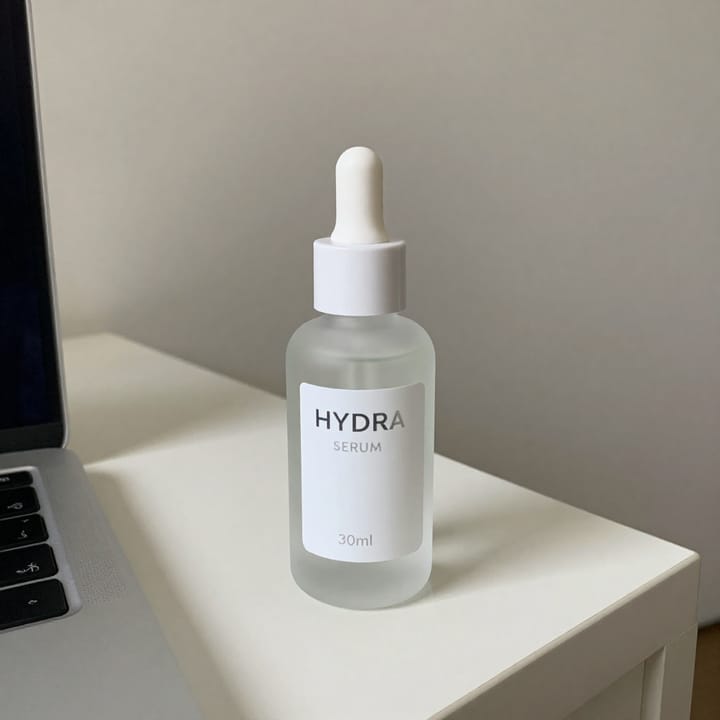
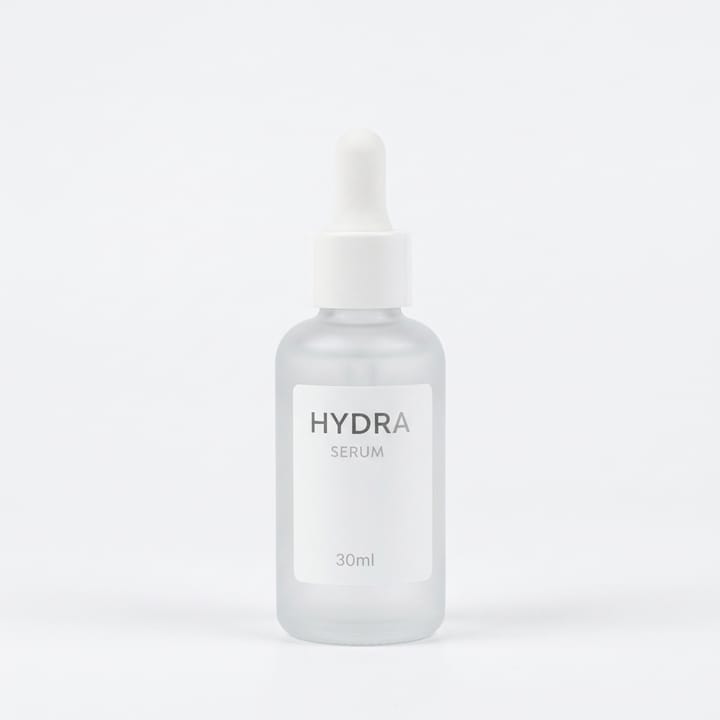
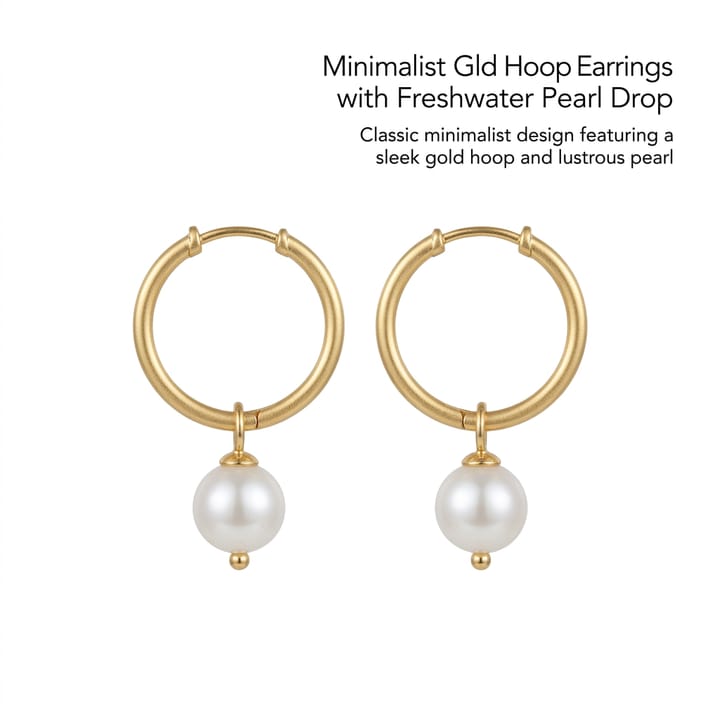

PrestaShop catalog image expectations
| Punto | Requisitos |
|---|---|
| Hero | Packshot on white / light-neutralFuente 1 |
| Gallery | Additional angles / detail / packagingFuente 1 |
| Combinations | Keep variant colour true (no invented colourways)Fuente 2 |
| Theme | Confirm current PrestaShop / theme image guidance at shipFuente 1 |
| CMS cluster | Magento · Woo · Shopify · Wix · Squarespace siblingsFuente 2 |
Especificaciones de salida de MuseFrames
- Imagen de producto de Shopify: 2048×2048 cuadrada
Crea primero una imagen que te guste y establécela como imagen principal; luego elige «Versiones por canal» en el resultado: cada versión consume 1 de tus créditos y se genera en los tamaños indicados arriba.
Herramientas y créditos necesarios
Estudio Fotográfico IA
1–3 créditos por imagen (1K–4K)Hero + gallery angles for the product page.
Abrir herramientaEstudio de Modelos IA
1–3 créditos por imagen (1K–4K)Optional on-model for apparel SKUs.
Abrir herramientaMuseFrames cobra en créditos: las imágenes 1K, 2K y 4K cuestan 1, 2 y 3 créditos respectivamente, y Probador Virtual, Foto de Grupo, Anuncio Comercial se cobran con tarifa ×2; el vídeo de 5 s cuesta 15 créditos y el de 15 s, 45 créditos.
Pasos
- Upload a sharp product photo.
- Isolate and place on white / light-neutral.
- Add angle / detail frames for the product gallery.
- Optional on-model / lifestyle for apparel or brand pages.
- QA colour and logos; export sizes for PrestaShop.
Preguntas frecuentes
Does MuseFrames replace a PrestaShop theme image settings panel?
No — MuseFrames creates the image files; you still upload and configure them in PrestaShop / your theme. Follow PrestaShop’s current product-image help.
Same workflow as Magento or WooCommerce?
The photo workflow is similar (packshot → gallery → export). Platform upload rules differ — see /en/solutions/magento-product-photos and /en/solutions/woocommerce-product-photos.
White background for category grids?
Clean white / light-neutral packshots usually read best in grids. See /en/solutions/white-background-product-photos.
Batch many SKUs?
Yes where Studio batch is available. See /en/solutions/bulk-product-photos.
Pricing?
See /en/pricing only. This guide does not list plan prices.
Related comparisons
PrestaShop catalog workflows sit next to Magento, WooCommerce, Shopify, Wix, Squarespace, bulk, and white-background guides.
Fuentes
Todas las páginas siguientes se consultaron el 2026-10-11; los precios y las funciones pueden cambiar en cualquier momento; consulta siempre la web oficial.
- PrestaShop documentation — Product images / media (re-check docs at ship): https://docs.prestashop-project.org/
- MuseFrames Pricing: https://museframes.com/en/pricing
- MuseFrames Features: https://museframes.com/en/features
- Adobe Commerce / Magento — product media / catalog images (re-check docs at ship): https://experienceleague.adobe.com/docs/commerce-admin/catalog/products/catalog-images.html
Pruébalo con tus propias fotos de producto
点生成时再创建账号 — 支持 Google 或邮箱。
免费生成你的第一张目录图