Print-on-demand product photos with AI
Last updated: 2026-10-11
Short answer
POD catalogs convert when every colourway shares one honest mockup look. MuseFrames builds white-BG packshots and lifestyle frames from your design + blank product photo — always QA print placement and colour; do not invent trademarked blank-brand claims in your listings.
Soft CTA: /auth?mode=signup. Billing and credits: see /en/pricing.
Print-on-demand catalog photo expectations
| Item | Requirement |
|---|---|
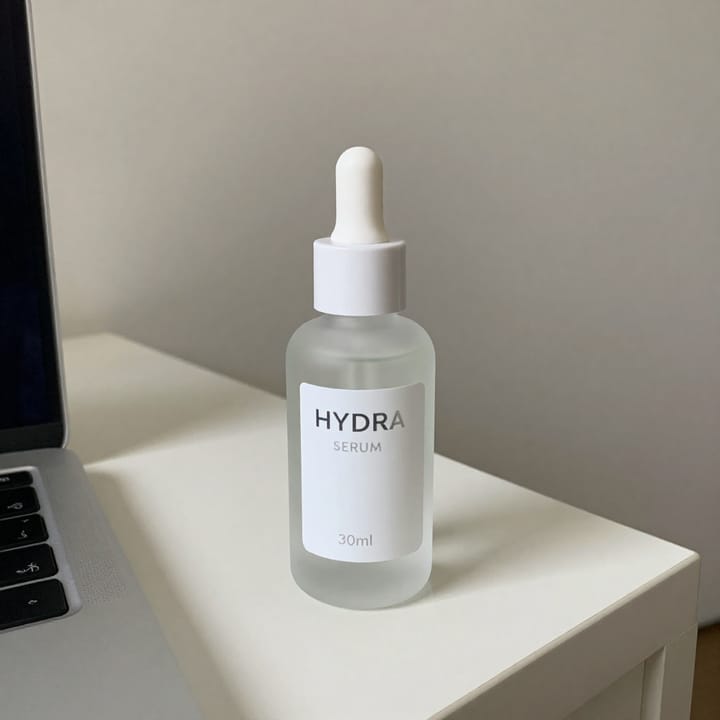
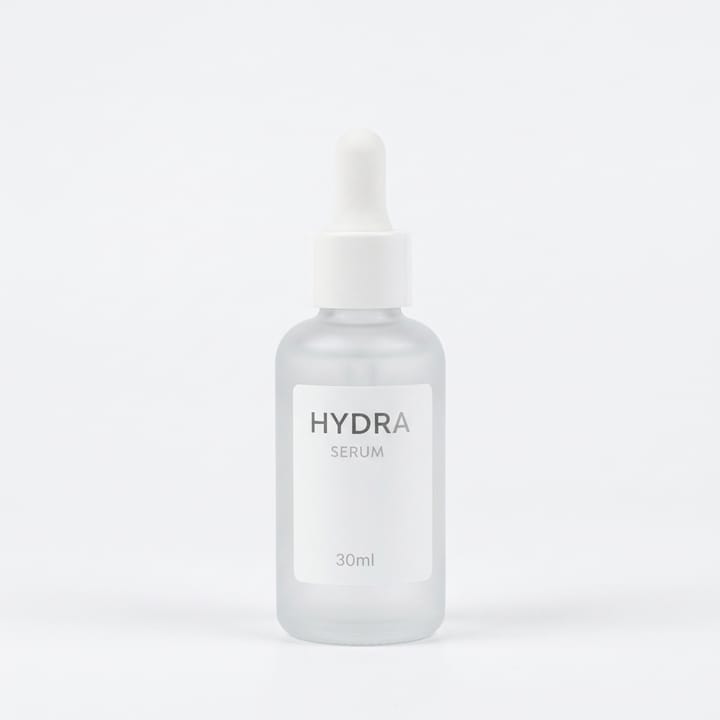
| Hero | Clean mockup / packshot on white / light-neutralSource 1 |
| Variants | Keep colourways consistent; no invented printsSource 2 |
| Placement | Print area must match your POD provider’s templateSource 2 |
| Lifestyle | Secondary for storefront brand pagesSource 2 |
| Naming | Prefer “print-on-demand” — do not invent competitor prices or claim official partnershipSource 2 |
Matching MuseFrames output specs
- Amazon hero image: 2000×2000, pure white background, product fills 85%
- Shopify product image: 2048×2048 square
First make one image you like and set it as the hero image, then choose “Channel versions” on it: each version costs 1 credit and is output at the sizes above.
Which tools to use and how many credits they cost
Background Remover
1–3 credits per image (1K–4K)Cutout / white-BG start for blank or printed SKUs.
Open toolMuseFrames charges in credits: 1 for a 1K image, 2 for 2K and 3 for 4K, with Virtual Try-On, Group Shot, Commercial Ad at 2×; video costs 15 credits for 5 sec and 45 credits for 15 sec.
Steps
- Upload a sharp blank or printed product photo.
- Isolate and place on white / light-neutral.
- Align print / design placement; generate colourway frames carefully.
- Optional on-model / lifestyle for storefronts.
- QA edges and colour; export sizes for your store or marketplace.
FAQ
Does MuseFrames replace my POD provider’s mockup generator?
MuseFrames creates listing images; you still fulfill via your POD provider. Confirm that provider’s current mockup / print-area guidance.
Same as apparel ghost mannequin?
Related apparel workflows, but POD emphasizes print placement and colourway sets. See /en/solutions/apparel-ghost-mannequin and /en/solutions/ai-fashion-models.
Can I batch many designs?
Yes — keep one studio look. See /en/solutions/bulk-product-photos.
White background for marketplaces?
Often preferred for grids. See /en/solutions/white-background-product-photos and /en/solutions/etsy-product-photos.
Pricing?
/en/pricing only. Soft CTA: /auth?mode=signup.
Related comparisons
POD mockups sit next to apparel ghost mannequin, AI fashion models, Etsy, Shopify, bulk catalogs, white-background heroes, flat-lay, and the Etsy image-size guide.
Sources
All pages below were accessed on 2026-10-11; prices and features may change at any time, so check the official websites for the latest.
- Etsy Seller Handbook — listing photos (Official): https://www.etsy.com/seller-handbook/article/154343798313
- Shopify Help Center: Product media types: https://help.shopify.com/en/manual/products/product-media/product-media-types
- MuseFrames Pricing: https://museframes.com/en/pricing
- MuseFrames Tools: https://museframes.com/en#tools
Try it with your own product photos
Create account when you hit Generate — Google or email.
Generate your first catalog shot free