
Temu product photos with AI
Última actualización: 2026-10-11
Respuesta breve
Temu listings convert when the primary image clearly shows the real SKU without clutter. MuseFrames builds white-BG packshots and gallery frames from one product photo — always QA colour, logos and proportions, then confirm Temu’s current seller image help before you upload.
Never invent Temu pixel or min-size rules — cite Temu seller help. Soft CTA: /auth?mode=signup. Billing and credits: see /en/pricing.
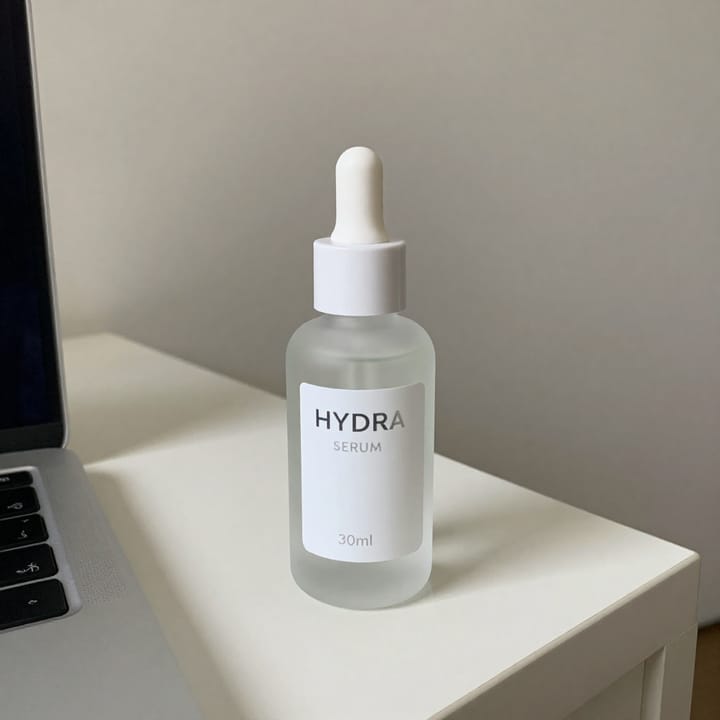
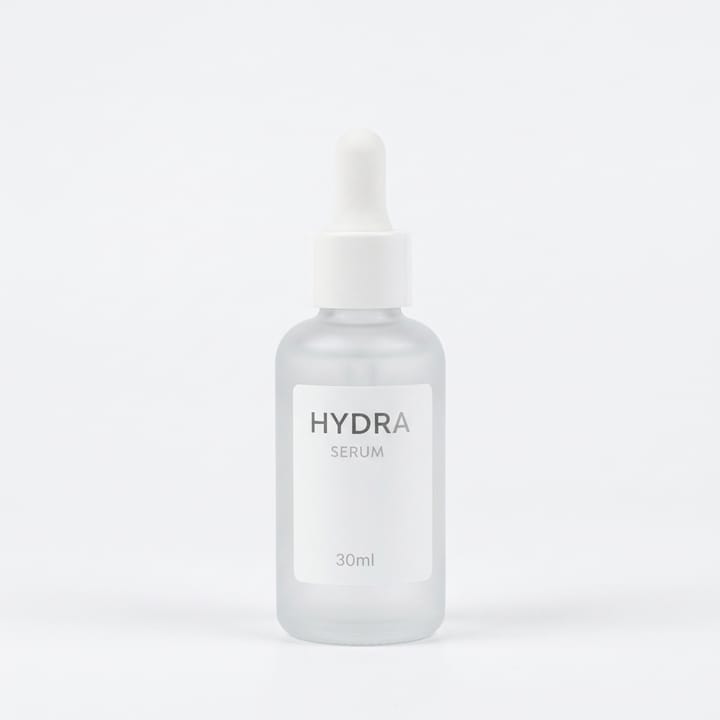
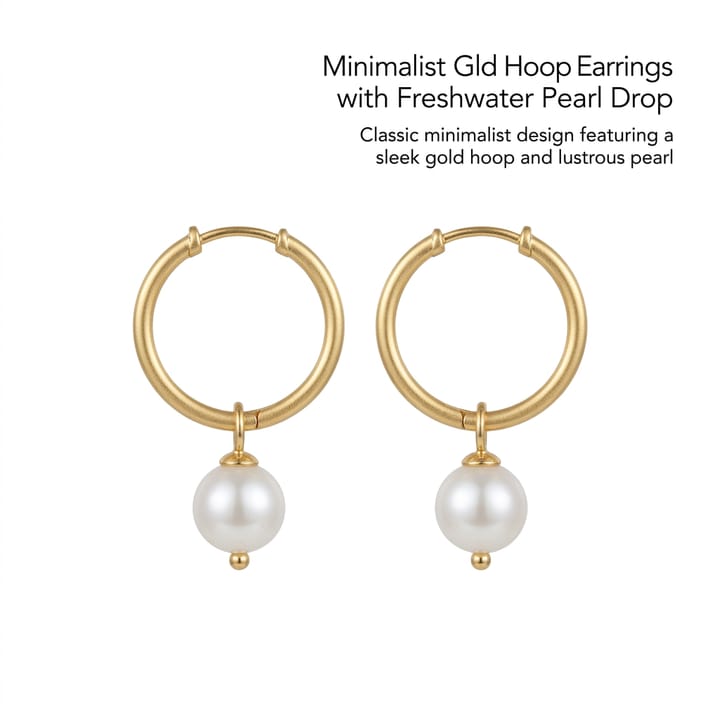
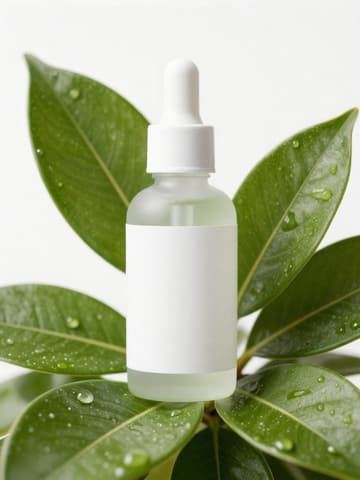
Temu marketplace photo expectations
| Punto | Requisitos |
|---|---|
| Hero | Clean packshot; product fills frameFuente 1 |
| Background | Prefer white / light-neutral when Temu help expects it — confirm current seller helpFuente 1 |
| Gallery | Additional angles / detail / packagingFuente 2 |
| Overlays | Avoid sale badges / watermarks unless Temu currently allowsFuente 1 |
| Channel cluster | amazon-main-image · walmart · google-shopping · tiktok-shop siblingsFuente 2 |
Especificaciones de salida de MuseFrames
- Imagen principal de Amazon: 2000×2000, fondo blanco puro, producto al 85%
- Imagen de producto de Shopify: 2048×2048 cuadrada
Crea primero una imagen que te guste y establécela como imagen principal; luego elige «Versiones por canal» en el resultado: cada versión consume 1 de tus créditos y se genera en los tamaños indicados arriba.
Herramientas y créditos necesarios
Quitar Fondo
1–3 créditos por imagen (1K–4K)Cutout / white-BG start for marketplace heroes.
Abrir herramientaEstudio Fotográfico IA
1–3 créditos por imagen (1K–4K)Hero + angles with controlled fill.
Abrir herramientaSet de Página de Producto
1–3 créditos por imagen (1K–4K)Multi-image listing set for PDP galleries.
Abrir herramientaMuseFrames cobra en créditos: las imágenes 1K, 2K y 4K cuestan 1, 2 y 3 créditos respectivamente, y Probador Virtual, Foto de Grupo, Anuncio Comercial se cobran con tarifa ×2; el vídeo de 5 s cuesta 15 créditos y el de 15 s, 45 créditos.
Pasos
- Upload a sharp product photo (true colour, full product visible).
- Isolate with Background Remover or start cutout in Studio.
- Place on white / light-neutral; crop so the product is the clear focus.
- Generate angle / detail / packaging frames from the same master.
- QA logos and proportions; export sizes your Temu listing needs; confirm current Temu seller help.
Preguntas frecuentes
What size should Temu product photos be?
Follow Temu’s current seller / listing image help for recommended dimensions and formats. MuseFrames exports common square and marketplace sizes — confirm on Temu before you upload. This page does not invent pixel rules.
Is Temu the same as Amazon MAIN image?
Similar clean-packshot discipline, but each marketplace has its own rules. See /en/solutions/amazon-main-image and re-check both helps.
White background required?
Many Temu-style grids prefer clean white or light-neutral packshots. Confirm Temu’s current help. See /en/solutions/white-background-product-photos.
Can I reuse Google Shopping or Walmart masters on Temu?
Often yes if colour and crop still look good — re-check each channel’s current help. See /en/solutions/google-shopping-product-photos and /en/solutions/walmart-marketplace-product-photos.
Where do credits and plans live?
See /en/pricing and the Credits & Billing help page. This guide does not list plan prices. Soft CTA: /auth?mode=signup.
Related comparisons
Temu packshots sit next to Amazon MAIN, Walmart, Google Shopping, TikTok Shop, white-background heroes, bulk catalogs, and the Merchant Center image-requirements guide.
Fuentes
Todas las páginas siguientes se consultaron el 2026-10-11; los precios y las funciones pueden cambiar en cualquier momento; consulta siempre la web oficial.
- Temu Seller Center / listing image help (confirm current guidance): https://seller.temu.com/
- Amazon Seller Central: guía de imágenes de producto: https://sellercentral.amazon.com/help/hub/reference/external/G1881
- MuseFrames Pricing: https://museframes.com/en/pricing
- MuseFrames Tools: https://museframes.com/en#tools
Pruébalo con tus propias fotos de producto
Crea la cuenta al pulsar Generar — Google o correo.
Genera gratis tu primera foto de catálogo